
Web-hosting email included in cPanel is a common email hosting service, which allows you to send emails, manage email accounts through webmail and email clients (Outlook, Thunderbird, Mail.app, etc.) via SMTP/POP/IMAP connection/protocols.
That service is a good choice if you need to use several standard email accounts.
All regular email service features are available for Namecheap Private Email users as well. However, with Namecheap Private Email, you get additional premium features such as an AI email assistant, auto-reply functionality, and enhanced security features.
You can also take advantage of the package benefits, which allow you to use the following features:
Thus, Namecheap Private Email is a great choice for organization and optimization of teamwork using email clients/mobile devices.
You can use only one of the email hosting services at the same time – Namecheap Private Email or the web-hosting email service.
If you buy one of our Shared Hosting packages, you will get cPanel email hosting by default. However, if you would like to use Namecheap Private Email, your cPanel email hosting will not work. If you are going to use Namecheap Private Email, you need to set up MX records for your domain per this article or contact our Support Team to help you with this. Take a look at the following table with the list of the main email hosting features. This information may help you to choose the most suitable type of hosting for you.
| Feature/Option | Private Email service | cPanel email service |
|---|---|---|
| SMTP/IMAP/POP3 support | Yes | Yes |
| Web interface access | Yes | Yes |
| Anti-spam protection | Yes | Yes |
| Mobile Support (synchronization of email to your mobile device) | Yes | Yes |
| Collaboration tools (calendars, AI email assistant and auto-reply functionality) | Yes | No |
| File storage | No | You can use Disk space of your hosting account as a file storage and access the stored files via File Manager menu in cPanel. |
| Email storage | Launch: 5GB for emails Expand: 30GB for emails Scale: 75GB for emails |
For Shared Hosting/Single Reseller cPanel accounts, email storage shall not exceed the 10GB limit. |
| Mailboxes included by default | Launch: 1 Expand: 3 Scale: 5 |
Stellar plan: 30 email accounts Nebula Reseller plan: 30 email accounts Stellar Plus/Stellar Business plans and Galaxy Expert/Universe Pro Reseller plans: unlimited Old Value plan: 50 email accounts Old Professional plan: 100 email accounts Old Ultimate/Business SSD/Reseller plan: unlimited |
| Collaboration tools (calendars, AI email assistant and auto-reply functionality) | Yes | No |
| Price for additional mailbox | Launch: $8.88/year Expand: $25.88/year Scale: $39.88/year |
Maximum number of mailboxes depends on the package and cannot be changed. |
| Limit for sending emails | Up to 20emails/hour per trial subscription Launch/Expand/Scale - 500 emails/hour per mailbox We may decrease this limit, at our sole discretion, if your account confidence should be confirmed. |
From 50 to unlimited. You can find more details here. |
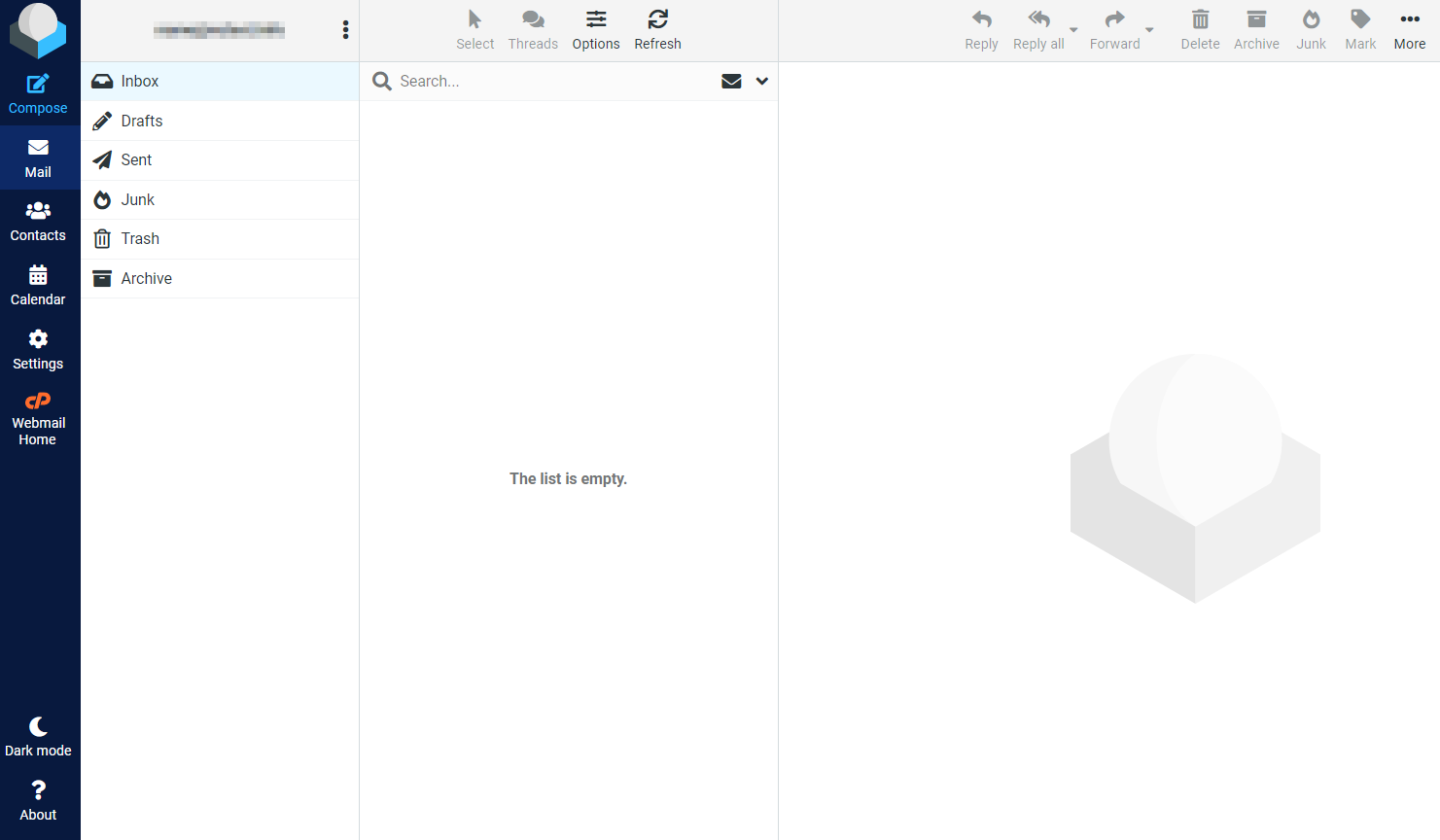
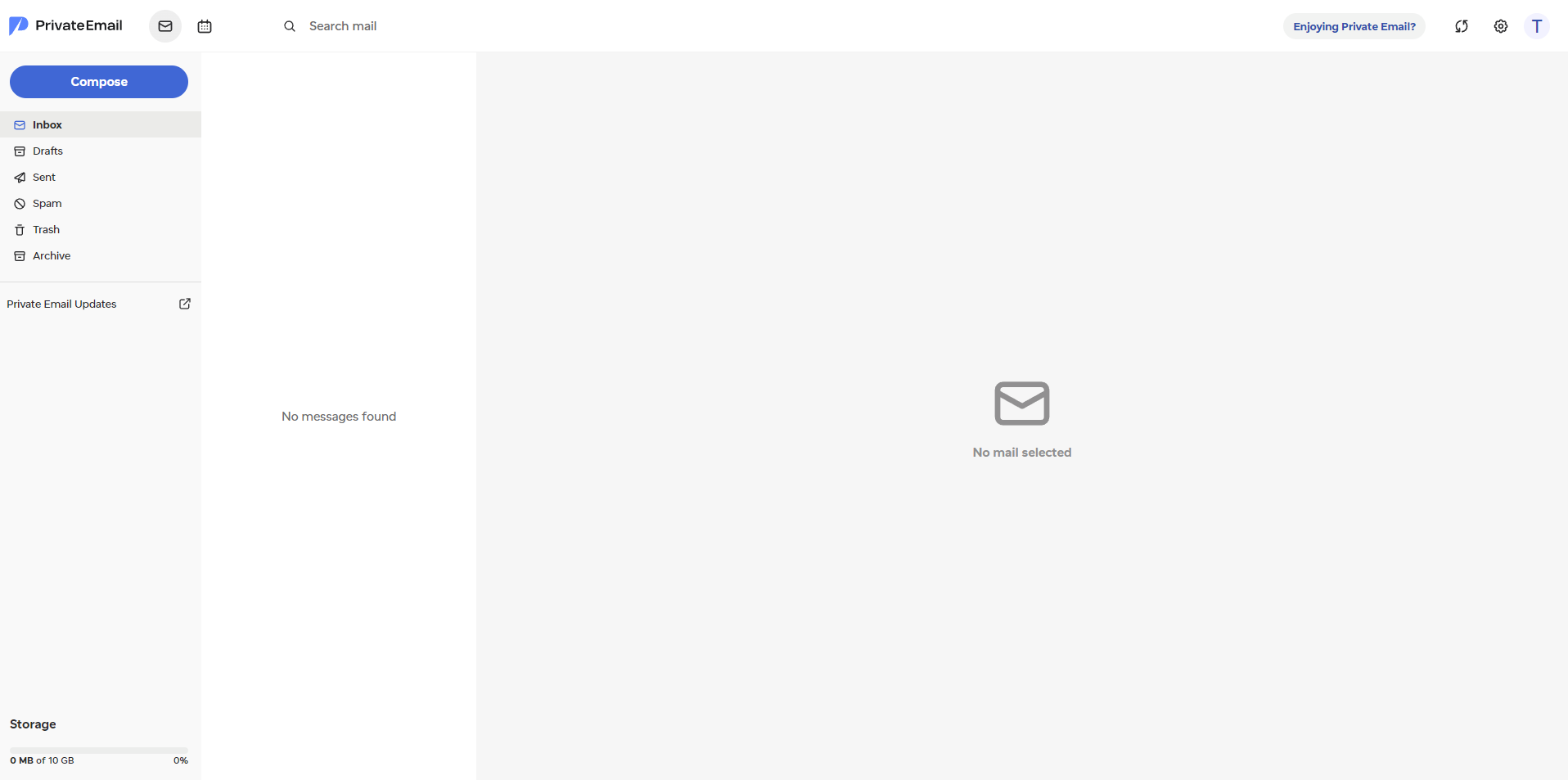
As for the Private Email service, this is how the webmail interface looks like:
Need help? We're always here for you.