
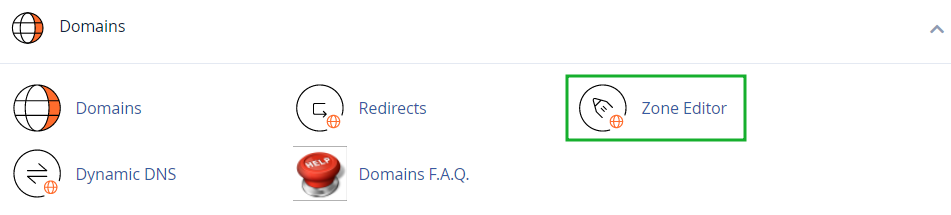





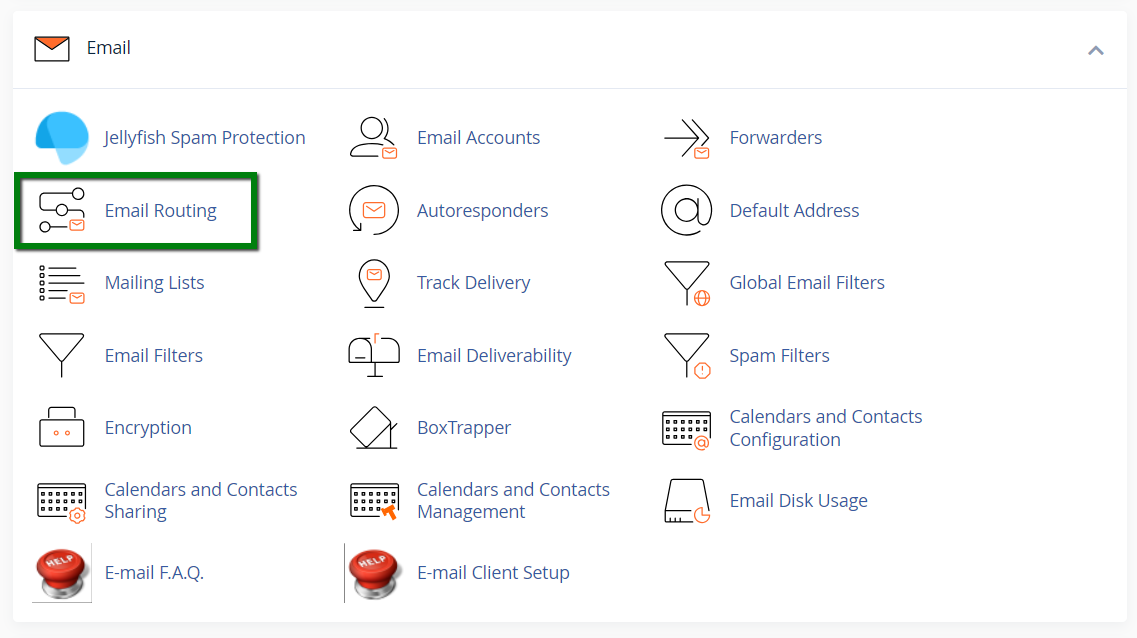
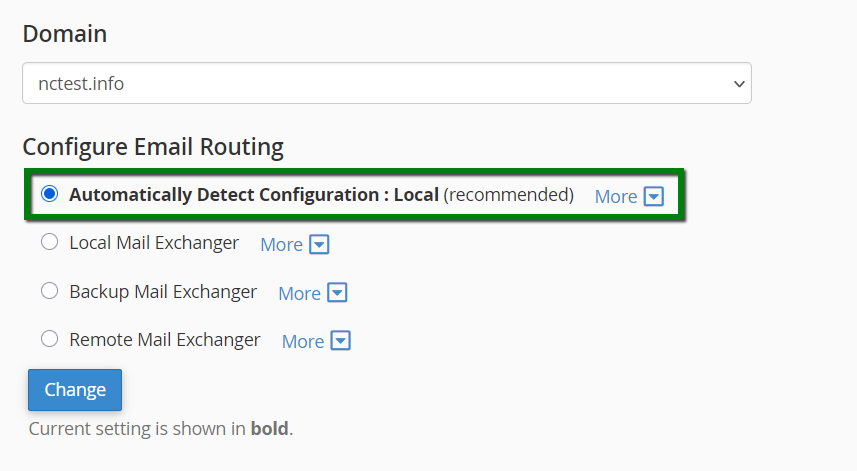
Note: The Automatically Detect Configuration option determines the routing mode based on the DNS records configured in the cPanel account's Zone Editor. It does not perform external DNS lookups and does not automatically re-evaluate the routing configuration after DNS changes are made. To ensure the correct routing mode is used, we recommend selecting the appropriate option manually.
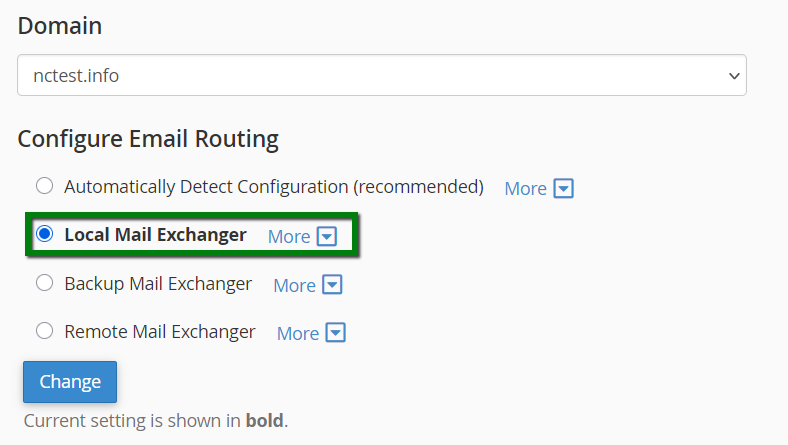
Select Local Mail Exchanger if you want this hosting account to handle email for the domain:
The Remote Mail Exchanger option should be used when email for the domain is handled outside the current hosting account. Common examples include Private Email, Google Workspace, Microsoft 365, or another hosting server.
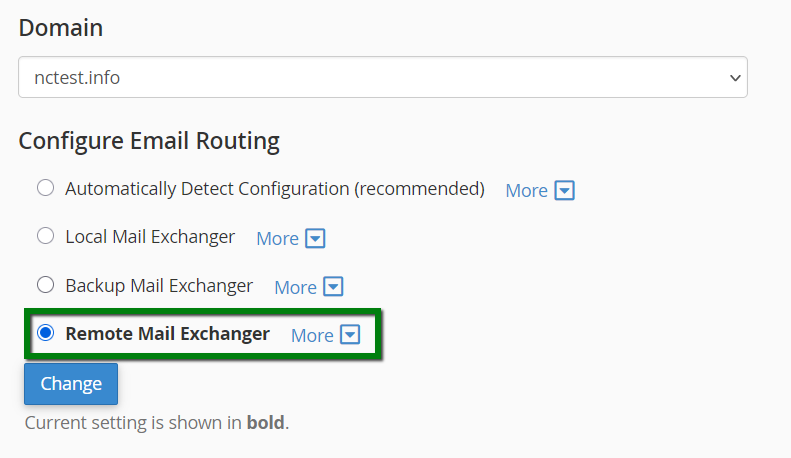
To change the routing mode, select the desired option and click Change.
That's it!
Need any help? Contact our HelpDesk
Need help? We're always here for you.