$ U.S. Dollar€ Euro£ British PoundC$ Canadian DollarsA$ Australian DollarsRs Indian Rupees¥ China Yuan RMBMore Info
How to find an affiliate text link or banner
In order to find your affiliate link or create an affiliate link to a specific landing page, please follow the instructions provided in the "How to find your affiliate link" article.
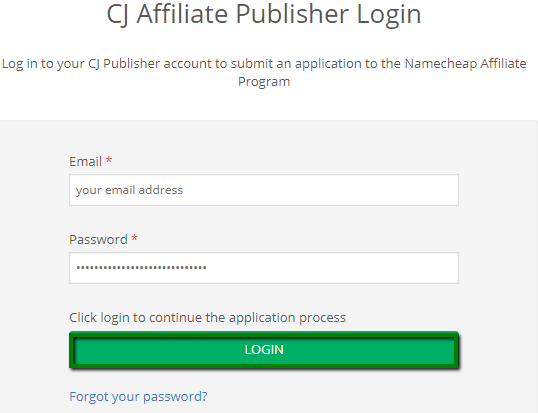
If you wish to find and grab affiliate text links and banners, please follow the instructions below:
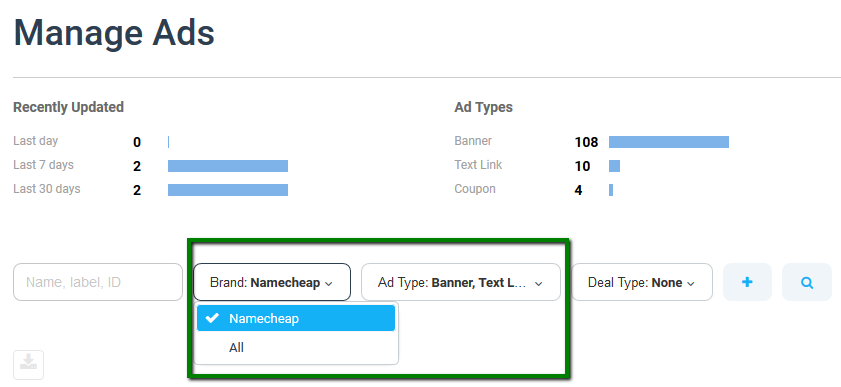
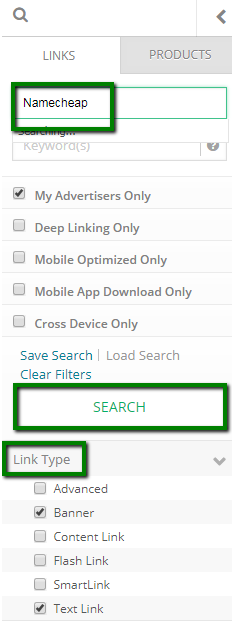
3. Enter "Namecheap" in the Advertiser(s) search field >> use Link Type to filter the Banner and/or Text Link (you can use other filters if needed as well) >> click Search:
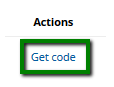
4. Locate the desired ad and click on the Get Code link:
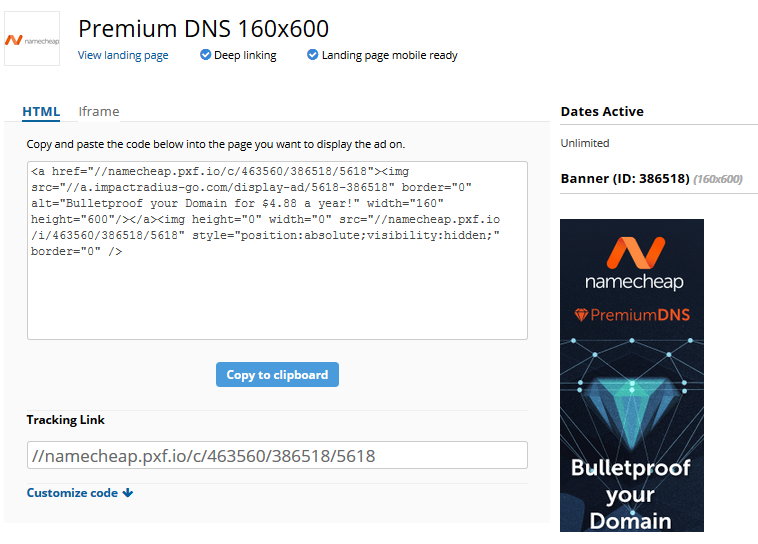
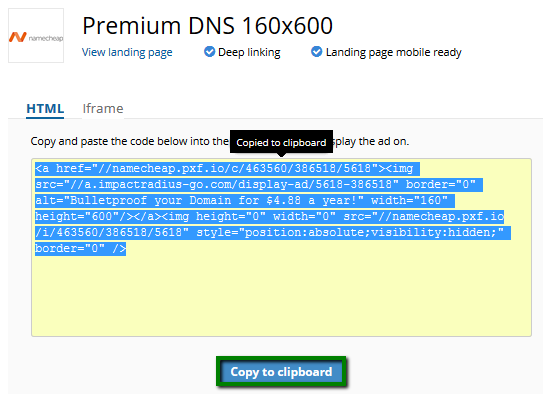
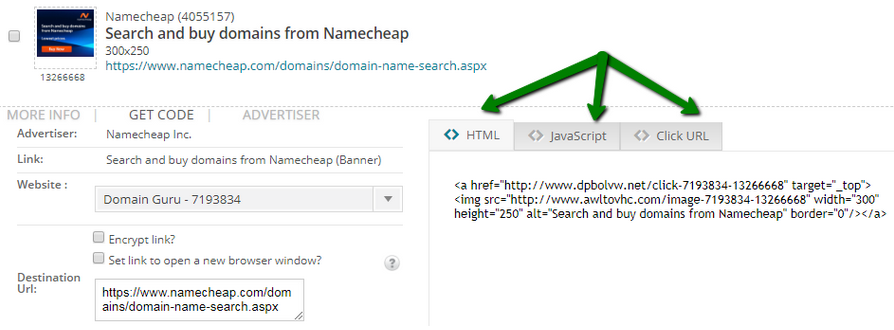
5. Choose the code option you need: HTML, Javascript or Click URL:
6. Copy the desired link/code and add it onto your website.