
Modern email providers (including Microsoft Outlook, Hotmail, Gmail, and Yahoo) increasingly rely on DMARC as part of their sender reputation and anti-spam validation systems. Domains without a properly configured DMARC record are more likely to experience deliverability issues, spam folder placement, or reputation-based restrictions.
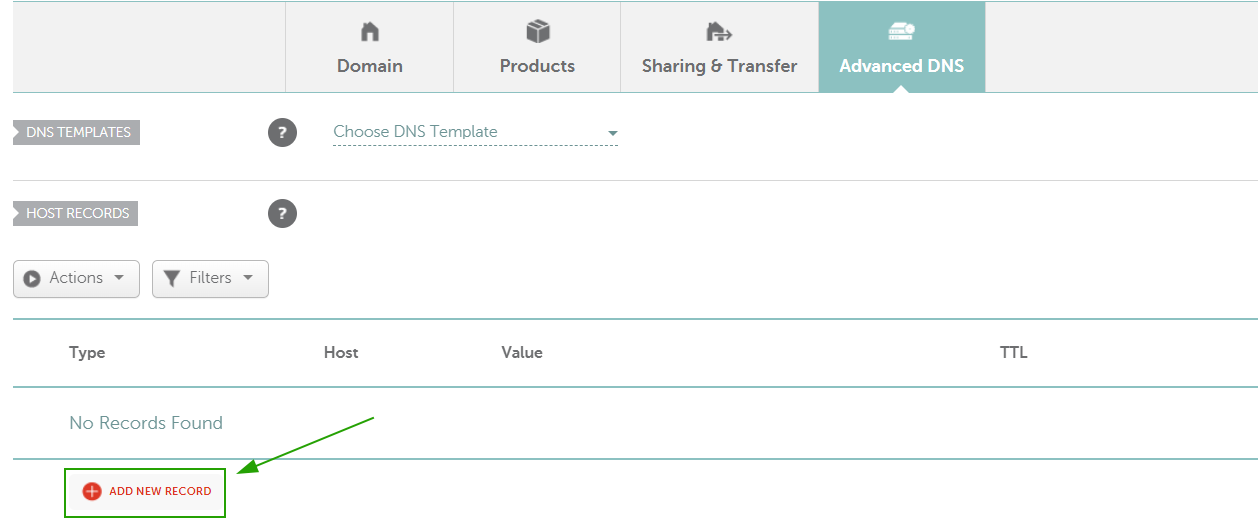
To configure DMARC, you will first need to generate a DMARC record using an online DMARC generator tool (for example, MXToolbox DMARC Record Generator) and then add it as a TXT record to your domain’s DNS zone.
Example DMARC record:NOTE: The DMARC policy can later be adjusted depending on your email setup and monitoring preferences.
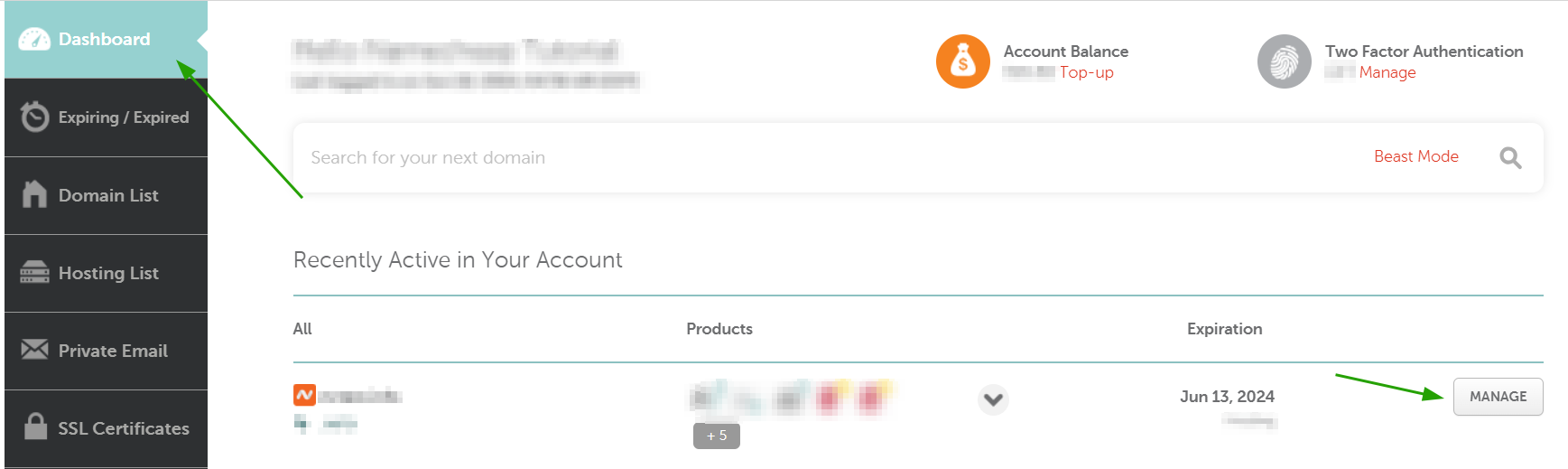
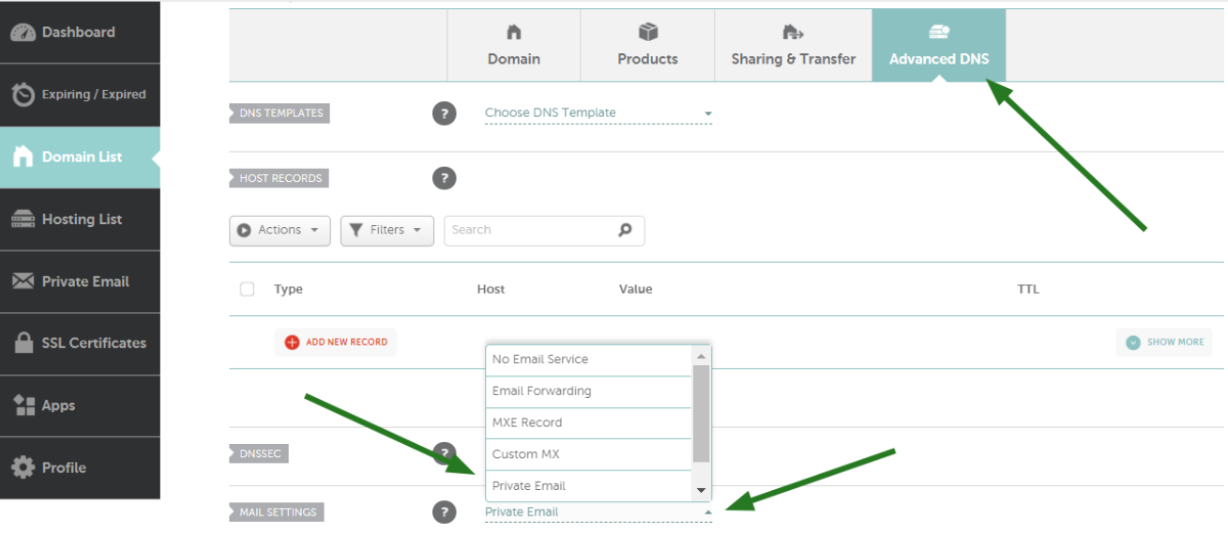
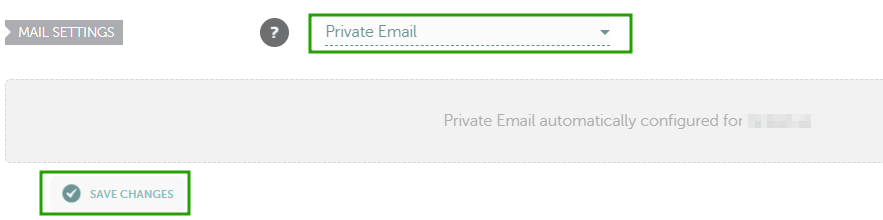
If your domain is registered with Namecheap, you can refer to this tutorial for help: Video: How to add DMARC record for a domain in Namecheap account.
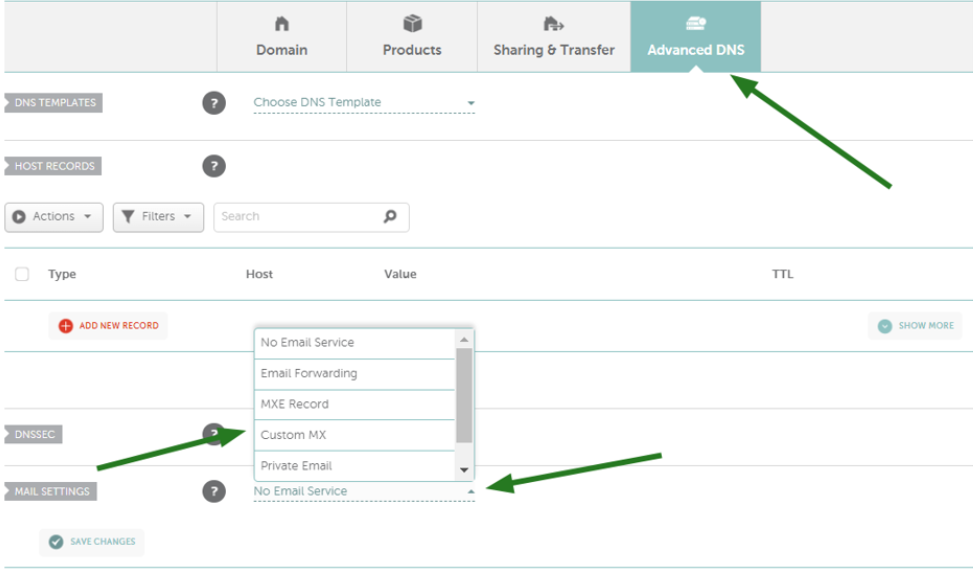
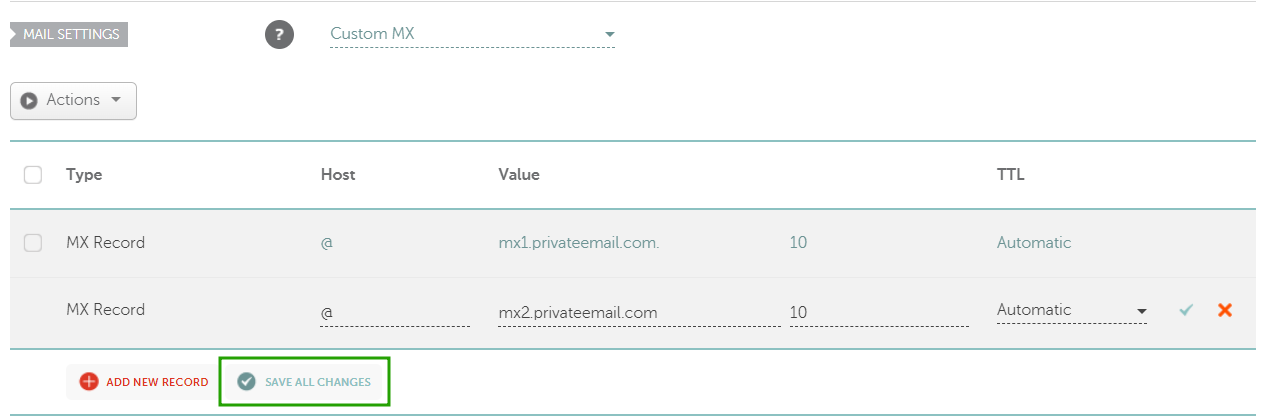
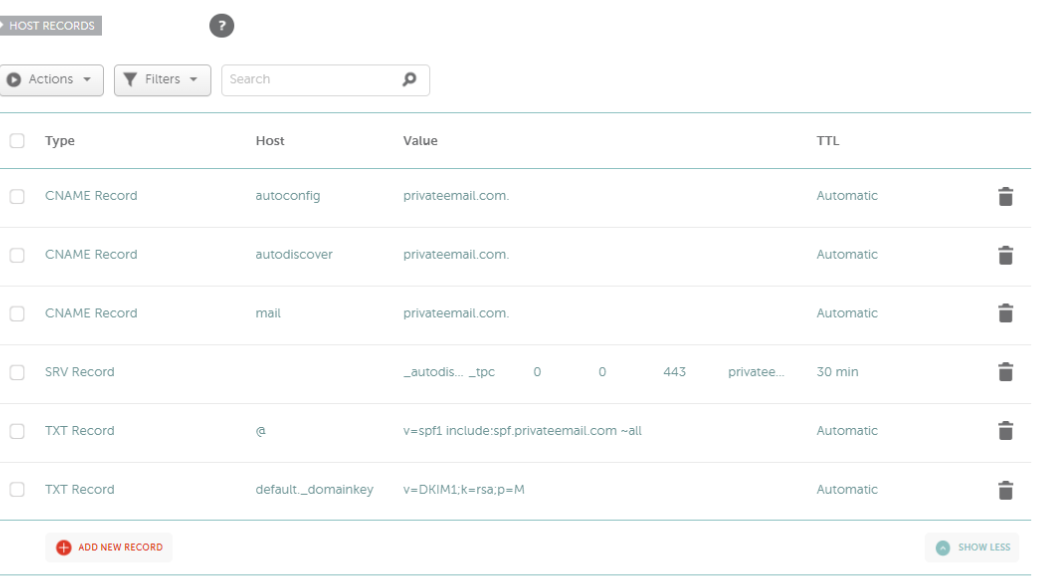
NOTE: For Private Email subscriptions purchased before June 2, 2026, DKIM record's hostname is default._domainkey.
Type: TXT Record | Host: _dmarc | Value: v=DMARC1; p=none; rua=mailto:postmaster@yourdomain.tld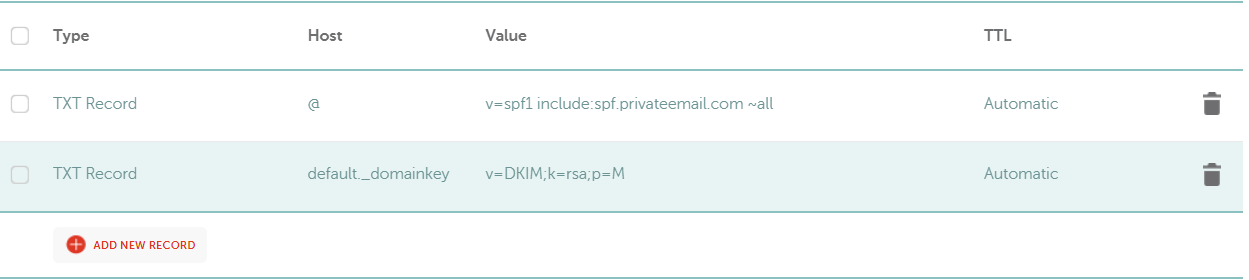
Need help? We're always here for you.