$ U.S. Dollar€ Euro£ British PoundC$ Canadian DollarsA$ Australian DollarsRs Indian Rupees¥ China Yuan RMBMore Info
What is the FTP Access Control plugin and how to use it
What is the FTP Access Control plugin?
FTP Access Control is a cPanel plugin that allows you to restrict FTP access to your hosting account to specific IP addresses or CIDR ranges. This means that only connections from the specified IP addresses can access the account via FTP, providing an additional layer of security.
NOTE: The allowlist is applied to the hosting account and is not configured separately for individual FTP accounts created through the “FTP Accounts” or “User Manager” menus in cPanel.
For information on creating an FTP account and establishing an FTP connection to the server, refer to this article.
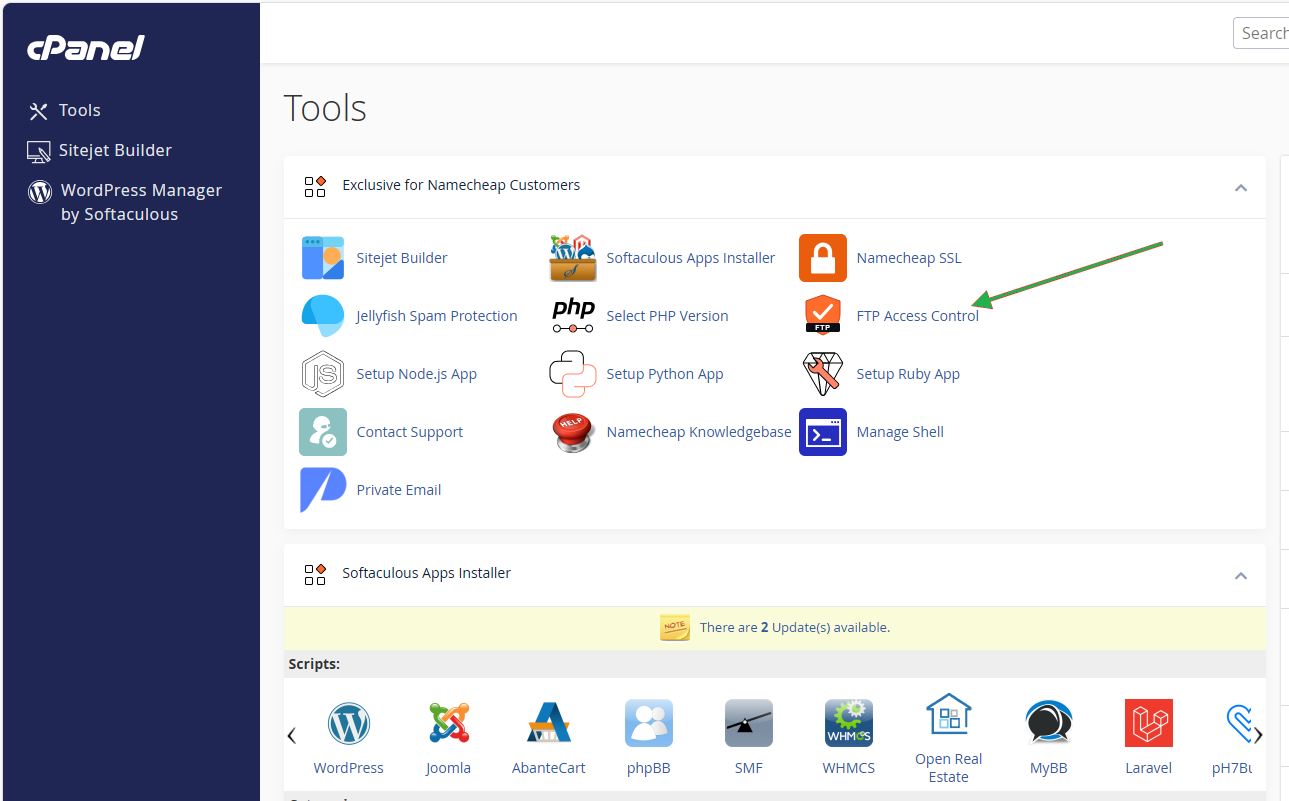
You can find the FTP Access Control plugin in the Exclusive for Namecheap Customers section:
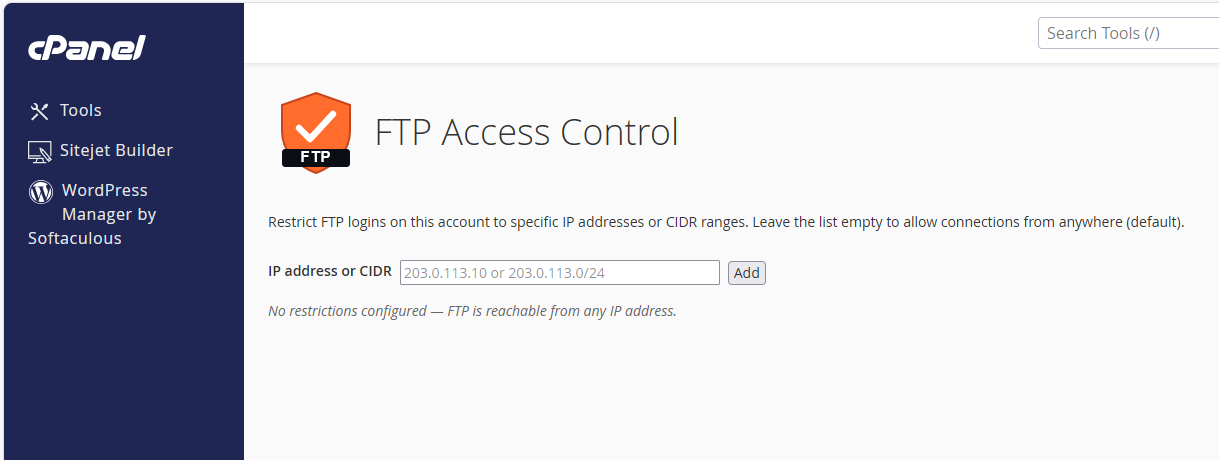
Once accessed, you will see the following message:
By default, no FTP access restrictions are configured, so FTP connections are allowed from any IP address. To restrict FTP access, add the IP addresses or CIDR ranges that should be allowed.
You can specify either a single IP address or a CIDR range.
A CIDR range allows you to add multiple IP addresses within the same network instead of adding each IP address individually. For example, 192.0.2.0/24 includes IP addresses from 192.0.2.0 through 192.0.2.255.
NOTE: Before enabling FTP access restrictions, make sure that the IP address you use to connect to the server is added to the allowlist. If you have a dynamic public IP address, you may need to update the allowlist when your IP address changes. Otherwise, your FTP connection may be blocked. You can check your current IP address here.
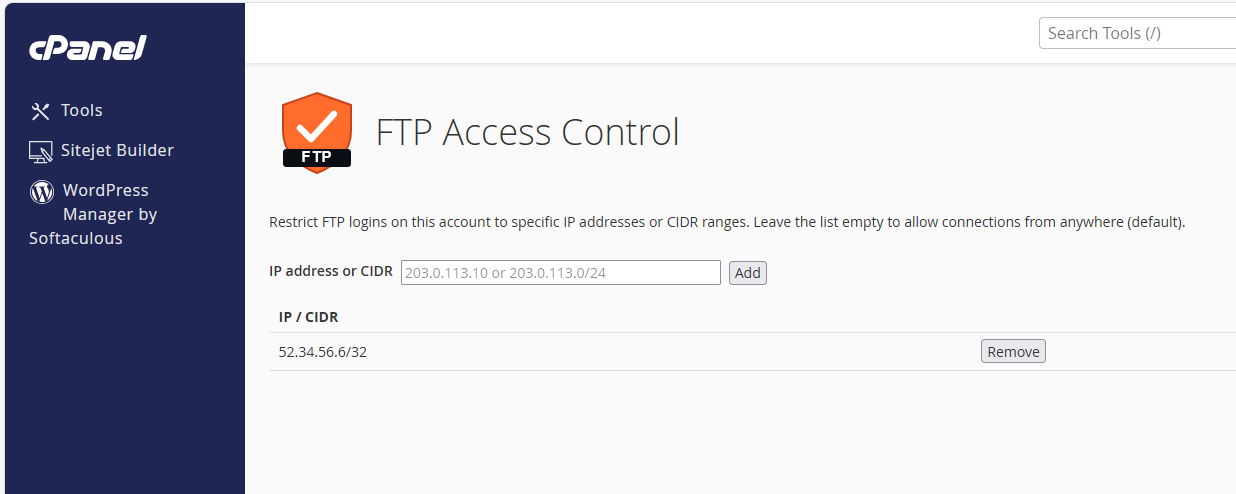
To add an IP address or CIDR range, enter it in the IP address or CIDR field and click Add. The Remove button will appear next to the added entry:
Once at least one IP address or CIDR range is added to the allowlist, FTP connections are permitted only from the specified addresses. Connections from all other IP addresses are blocked.
To remove an IP address from the allowlist, click Remove next to the corresponding entry.
If you remove all entries, FTP access restrictions are disabled, and FTP connections are again allowed from any IP address.
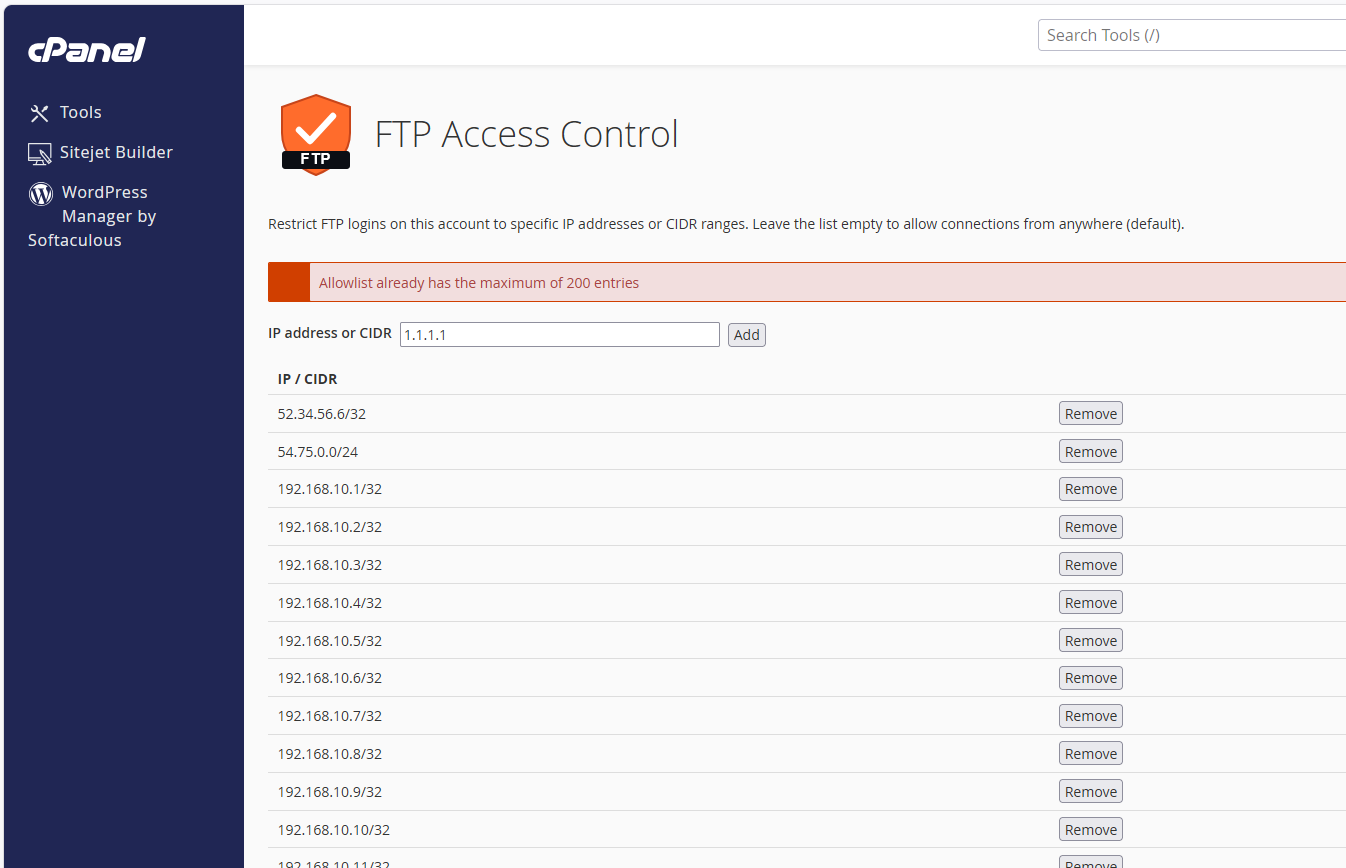
Please note that the allowlist is limited to 200 IP addresses or CIDR range entries. If you attempt to add more, you will encounter an error:
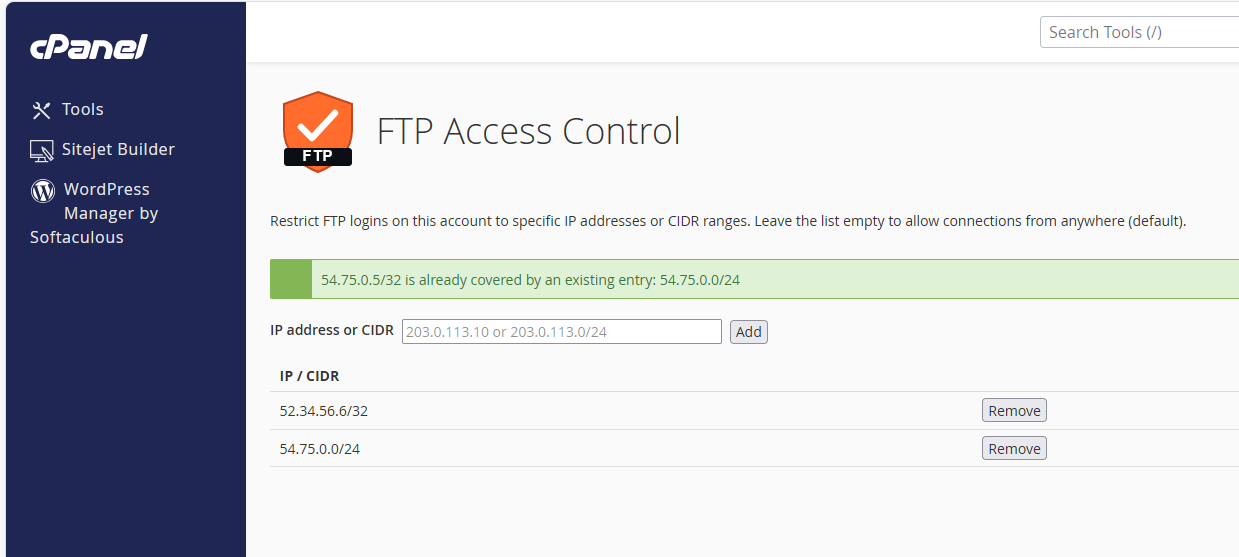
If you attempt to add an IP address that is already covered by an existing allowlist entry, the following warning will appear:
After configuring the allowlist, you can establish an FTP connection to the server from an allowed IP address.