
The Address Book allows you to store and manage your contacts in one place. It is available from the left navigation menu.
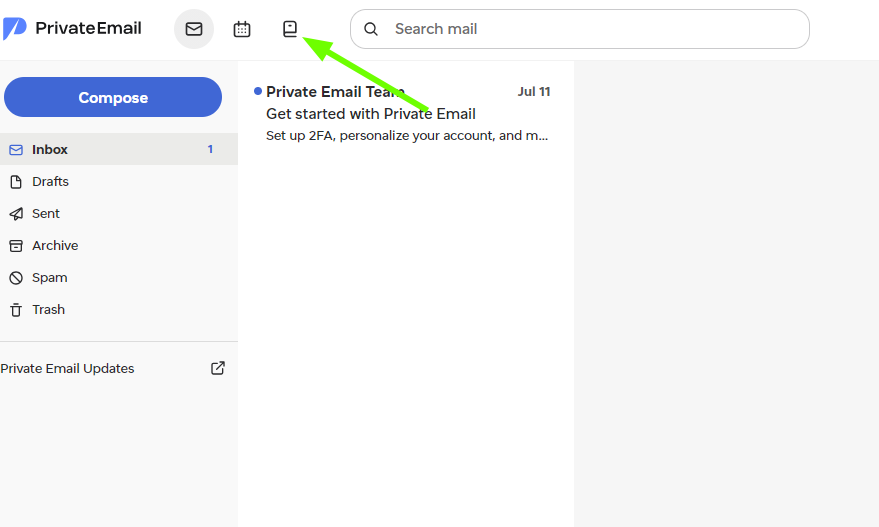
From the Contact Book, you can:
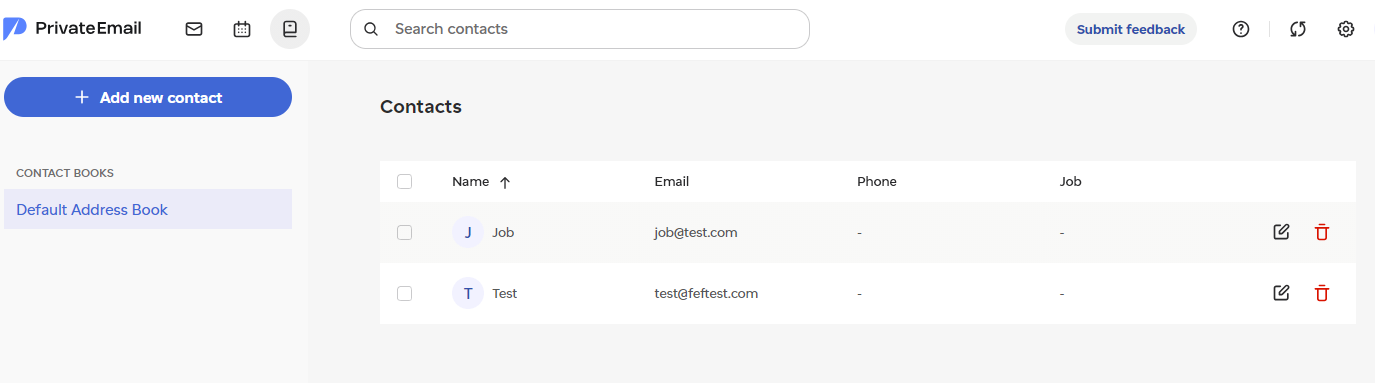
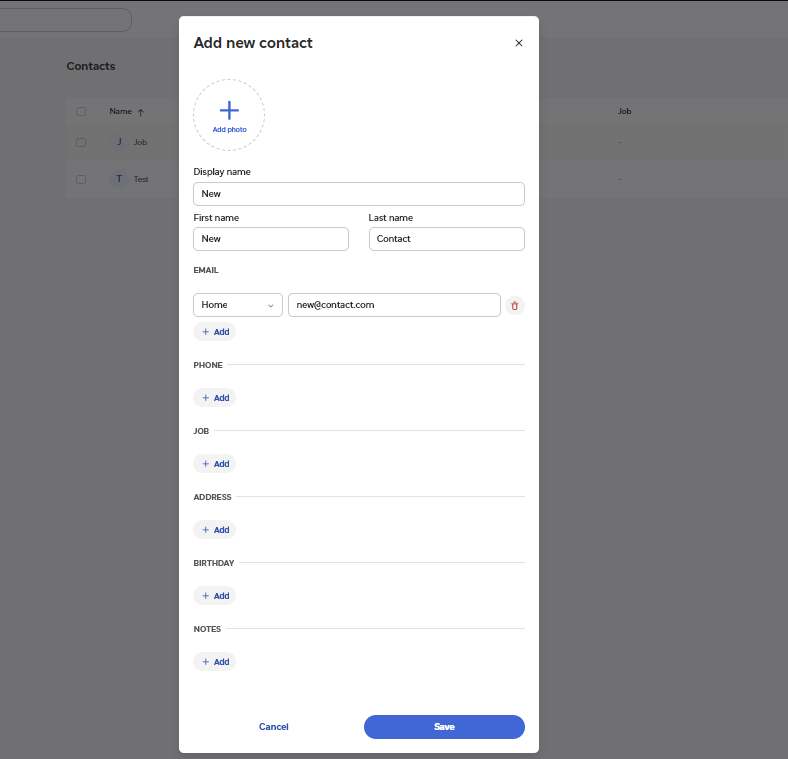
Please note that contact auto-suggestions when composing an email are currently supported only when you start entering the email address. Auto-suggestions by contact name are not supported yet.
If you would like to suggest additional features or improvements for the Contact Book, please use the Submit Feedback option in your webmail.
Need help? We're always here for you.