
Each type of webmail data exports differently. Here's how to export data from Drive and Tasks.
To export data from your Drive:
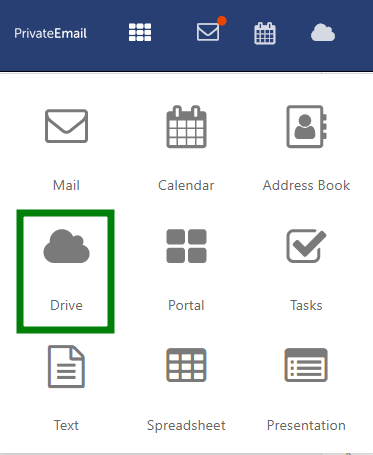
1.Log in to Webmail and select Drive in the bar above:
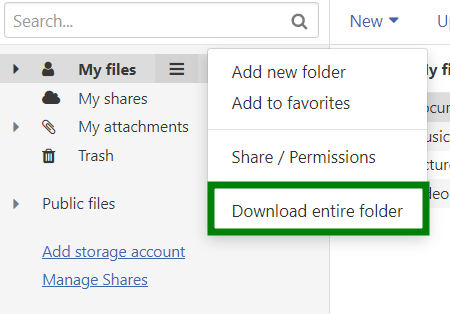
2. Click Options (three stripes icon) next to the Drive folder you wish to back up. Click on Download entire folder.
If you don’t want to back up the whole folder, you can also right-click on the folder inside the instance and click Download entire folder for it specifically:
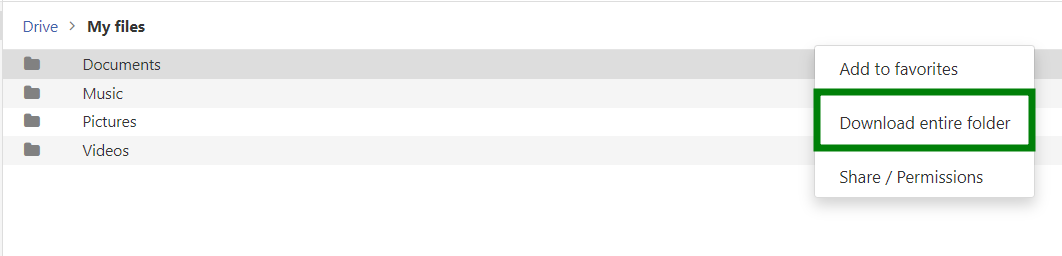
A .zip folder will be downloaded to your device.
To export your tasks:
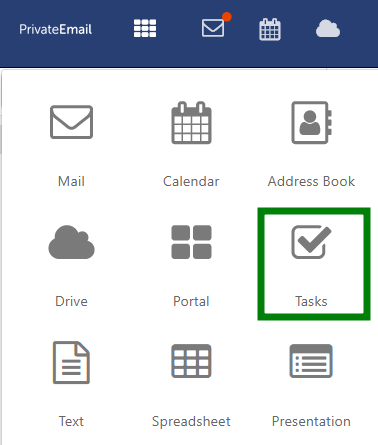
1. Log in to Webmail and select Tasks in the bar above:
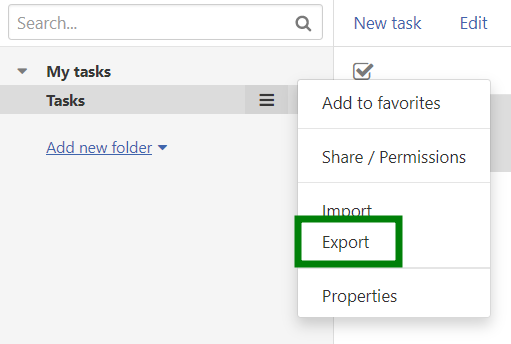
2. Click Options (three stripes icon) next to the address book you wish to back up. Click on Export:
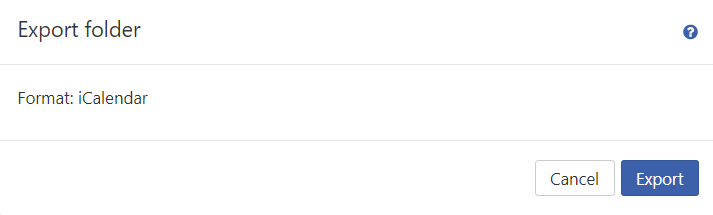
An .ics file will be downloaded to your device.
Need help? We're always here for you.