
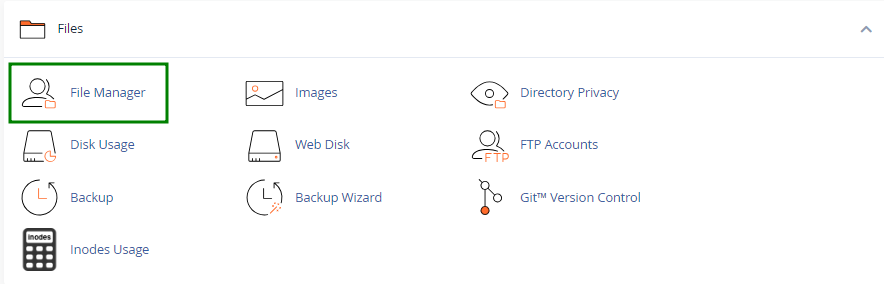
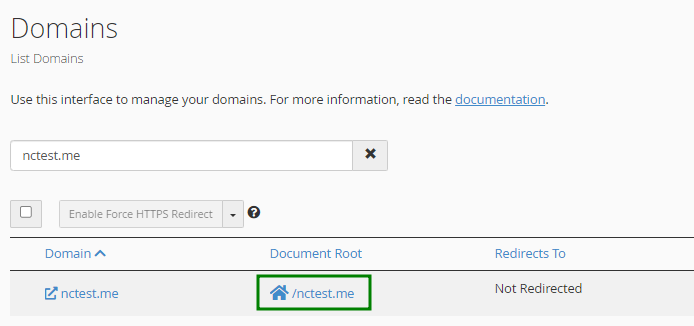
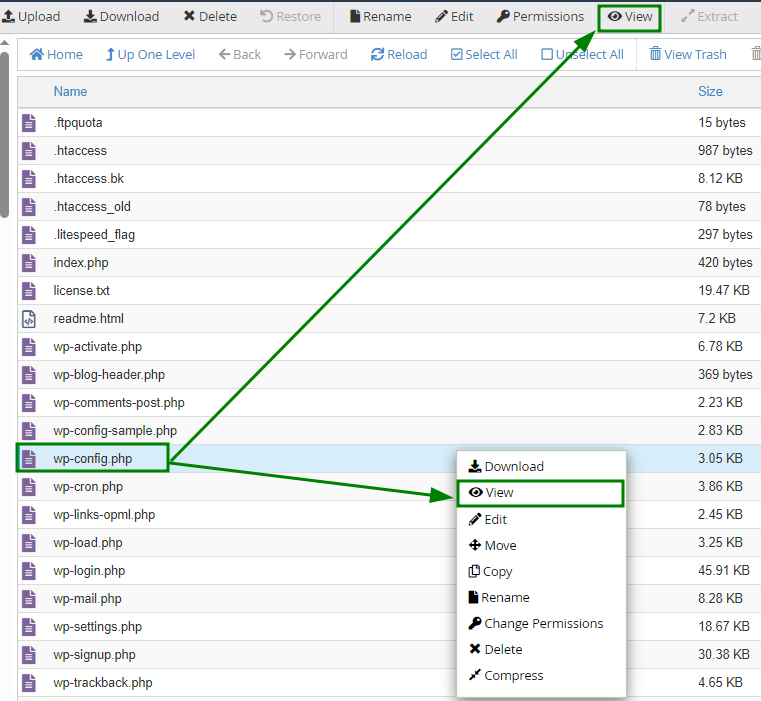
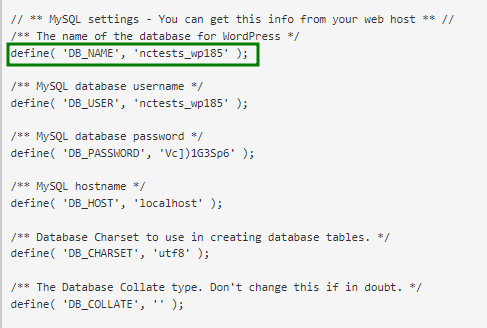
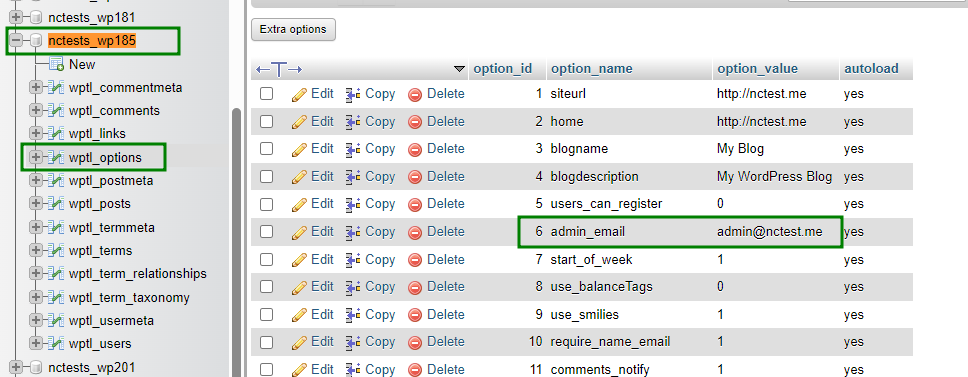
wp_ is the default prefix for WordPress database tables, but it may be different in your installation. You can check the database prefix for your website in the wp-config.php file, on the line that starts with $table_prefix =.
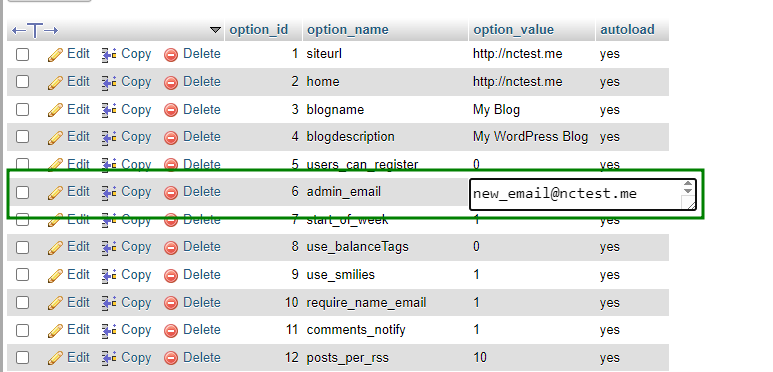
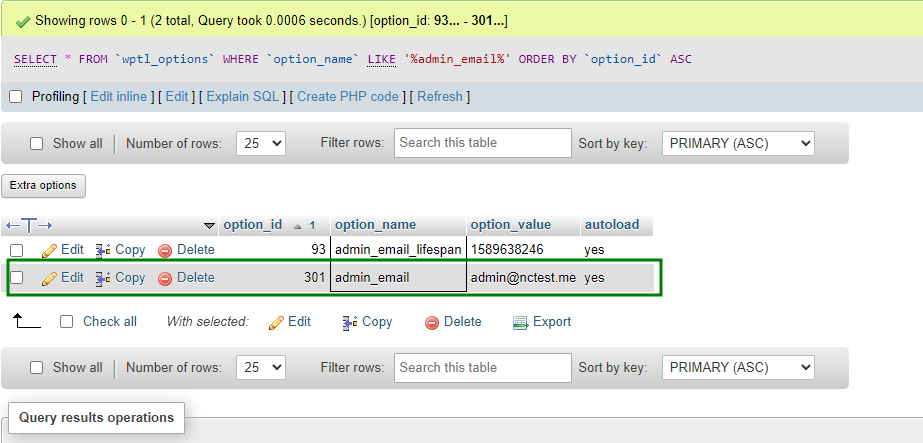
admin_email row may not always appear on the first page of the wp_options table. In that case, use the Search option to locate it: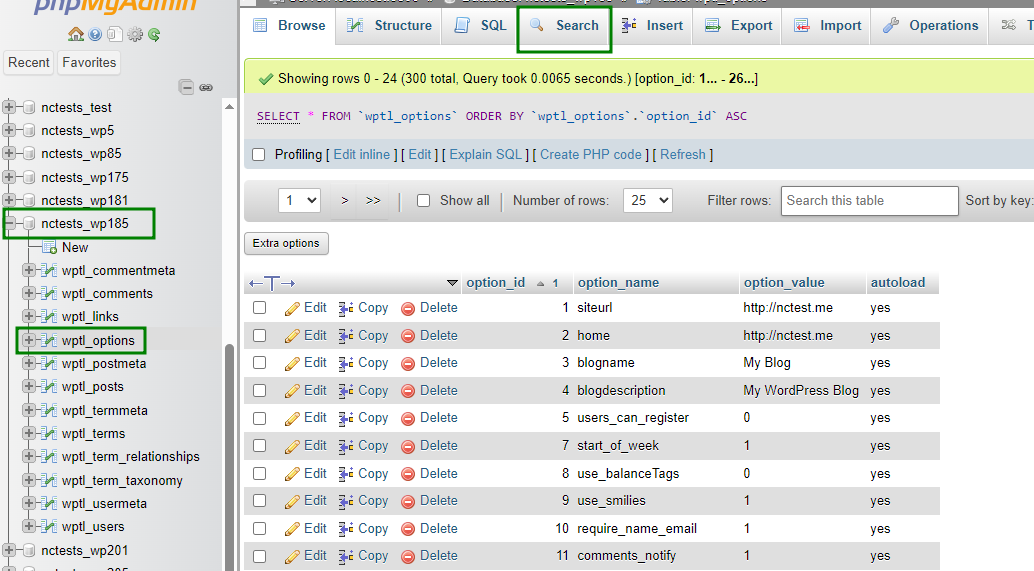
admin_email in the "Value" field for option_name, then click Go: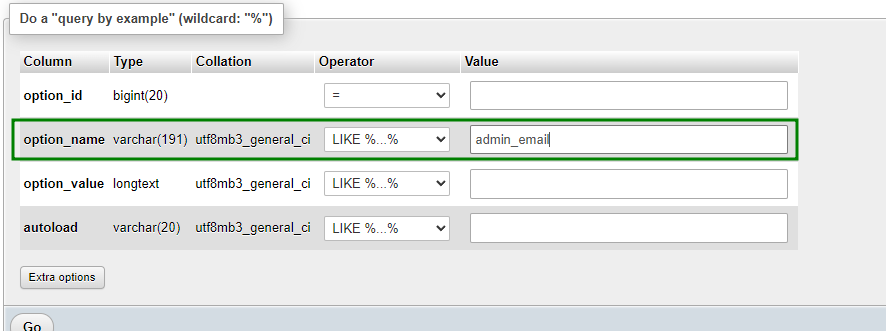
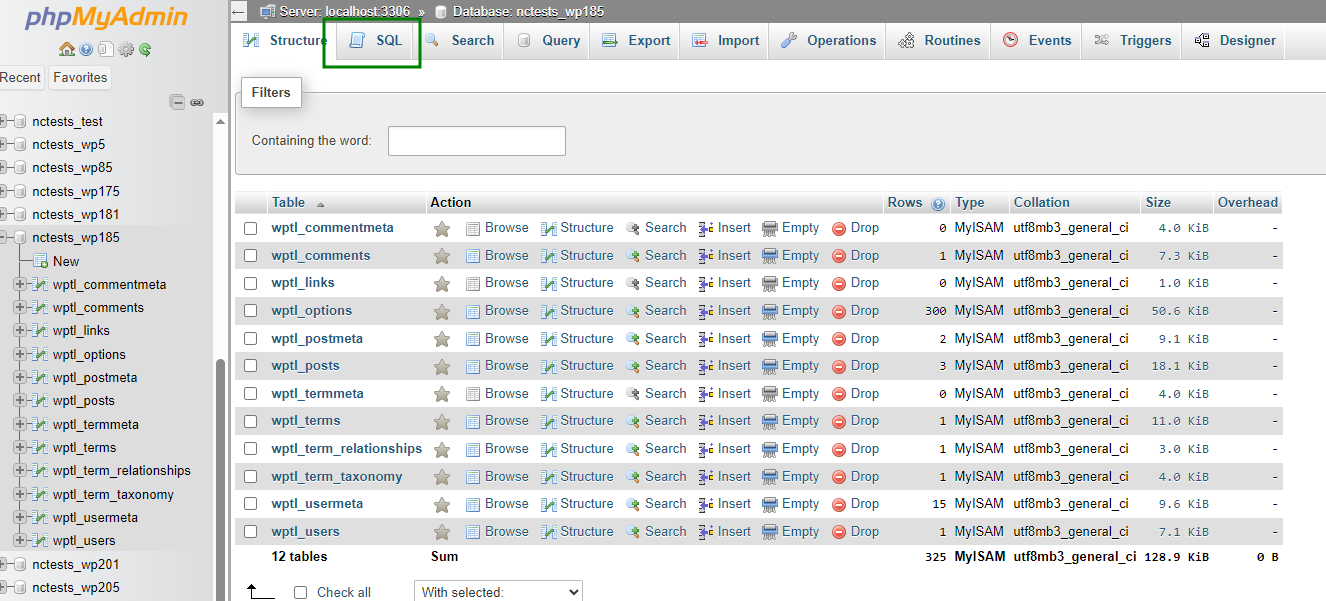
admin_email:UPDATE wp_options
SET option_value = 'new@domain.com'
WHERE option_name = 'admin_email';new@domain.com should be replaced with your new admin email address.wp_ should be replaced with the table prefix used in your database.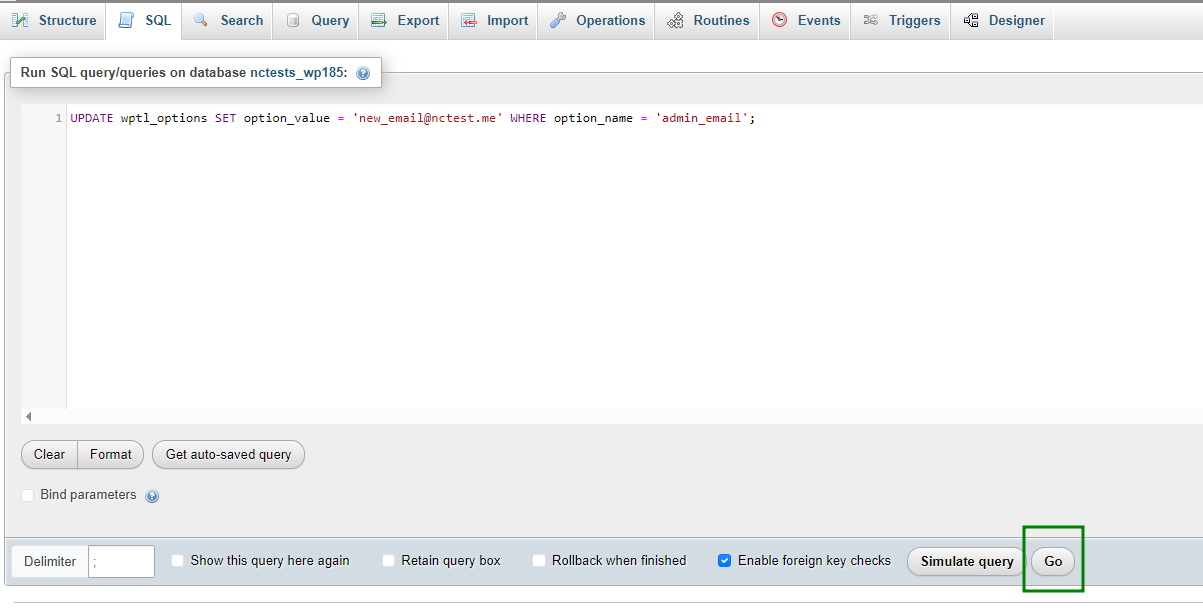
Need help? We're always here for you.