

Comparisons and Hosting for WordPress Reviews
EasyWP lets you effortlessly set up a WordPress website in a matter of minutes. From a streamlined interface to optimized servers, building a new WP site has never been easier. Because EasyWP is powered by Namecheap Cloud, you get the added benefits of affordable pricing and a commitment to privacy and security.
But how does EasyWP compare to other similar Managed Hosting for WordPress options? Bluehost WP Pro also helps you start a basic WordPress website without the need for your own dedicated server. Below, we compare some of the specific features offered through EasyWP vs. Bluehost’s Managed Hosting for WordPress features.
 $3.88 / mo |  $29.99 / mo | |
|---|---|---|
| True Managed Hosting for WordPress |  |  |
| Easy Migration Service | |  |
| Hosted on Real Cloud | | |
| Install Time | 30 Seconds | 198 Seconds |
| Storage Space | 10 GB | 30 GB |
| Auto Scaling | | |
| Includes WooCommerce | |  |
| Includes Yoast Plugin | | |
| Maintenance Mode | | Requires Plus Plan |
* Pricing and feature information accurate as of 4/3/2019
There are many similarities between Namecheap’s EasyWP and Bluehost’s WP Pro. Both offer a pre-installed version of WordPress that saves you time and a lot of headaches. As with traditional WordPress installations, you get free themes and plugins from both products. One notable feature of both plans is the ability to transfer your website to other hosting plans if you need to in the future. This flexibility is beneficial for growing businesses who may want to have a dedicated server at some point down the road.
The price difference between EasyWP and Bluehost WP Pro is hard to ignore. EasyWP Starter is $3.88 per month, while WP Pro Build, the most basic option, is $29.99 per month. At current regular prices, you save more than $300 during just one year of hosting. Namecheap also offers a discount for the first year of service, saving you even more. While both companies offer upgraded packages with benefits for power users, it’s clear that Bluehost will cost considerably more even when comparing basic packages.
Both companies offer promotions to get started. If you sign up for WP Pro Build for a year and pay all at once, the monthly cost dips to $19.99. However, if you want to try out the service for a short time, the options are limited. A three-month package from Bluehost costs about $83 up front. EasyWP offers promotional pricing starting at $1 for the first month of service.
When you take advantage of authentic managed hosting for WordPress, no additional steps are needed to complete the setup process. You minimize the problems that can occur when you install WordPress on your own — no need to learn programming languages and server configurations. If you manage multiple websites, this can save you hours or even days of maintenance each year. With Bluehost WP Pro, some knowledge of theme customization was needed to complete website setup, although you see a few pop-up tips.
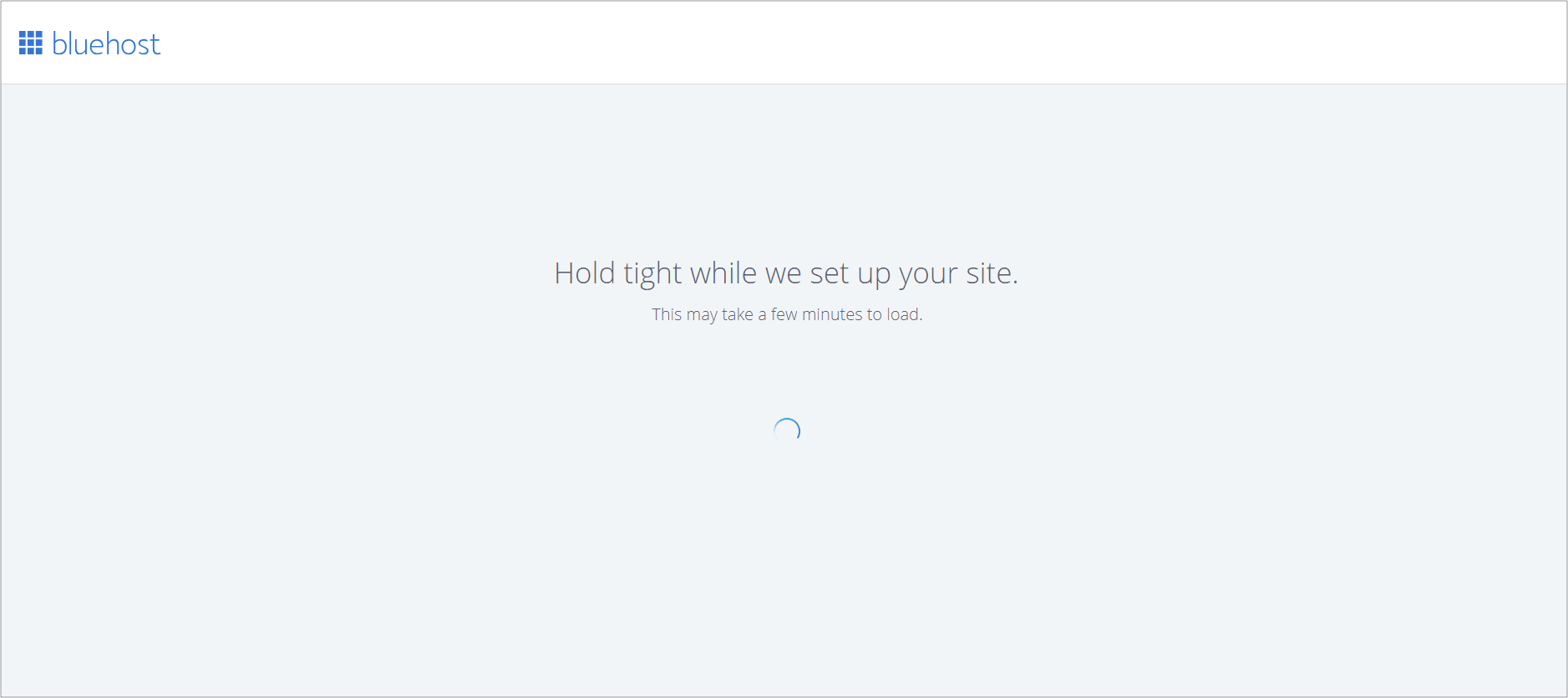
EasyWP is a fully managed solution. Namecheap created an innovative platform that handles many of the hard-to-understand processes that come along with the WordPress CMS. For example, EasyWP offers a 30-second installation. When we timed the Bluehost WP Pro Build installation process, it took 3 minutes and 13 seconds. That’s nearly six and a half times longer.
Both Bluehost and Namecheap offer 24/7 customer support options, which is helpful, especially when you are just starting your website. Namecheap provides an extensive collection of online resources, which includes step-by-step instructions for setting up a WordPress site, answers to frequently asked questions, and hundreds of helpful site-building tips.
For those currently subscribing to another hosting solution, moving your website to EasyWP is incredibly simple. Namecheap offers a free migration service to EasyWP Starter, with a trained professional to support you along the way. The EasyWP team will handle the entire process for you, saving you time and money. Bluehost has representatives that can give you advice but will not migrate the site on your behalf.
Namecheap is also a world leader in championing online privacy. The commitment to confidentiality extends to all products including EasyWP. This policy ensures not only a dedication to protecting your data but a commitment to your freedom of speech as a customer.
With site hosting, what happens in the cloud matters a great deal. The top hosting providers all offer high-quality hardware and servers, in addition to performance safeguards for maximum flexibility and uptime. Bluehost WP Pro Build does not utilize a real cloud environment. Your website is at risk of interference from limited resources and troublesome neighbors.
Namecheap's advanced cloud hosts all EasyWP plans. This top-of-the-line technology gives you the benefits of consistent high performance, fast page load times, 100% uptime, and automatic up-scaling when traffic spikes. Each customer has a secure, stable container, making sure the resources you need are continuously available--accessible through the recognizable and easy-to-use WordPress dashboard.
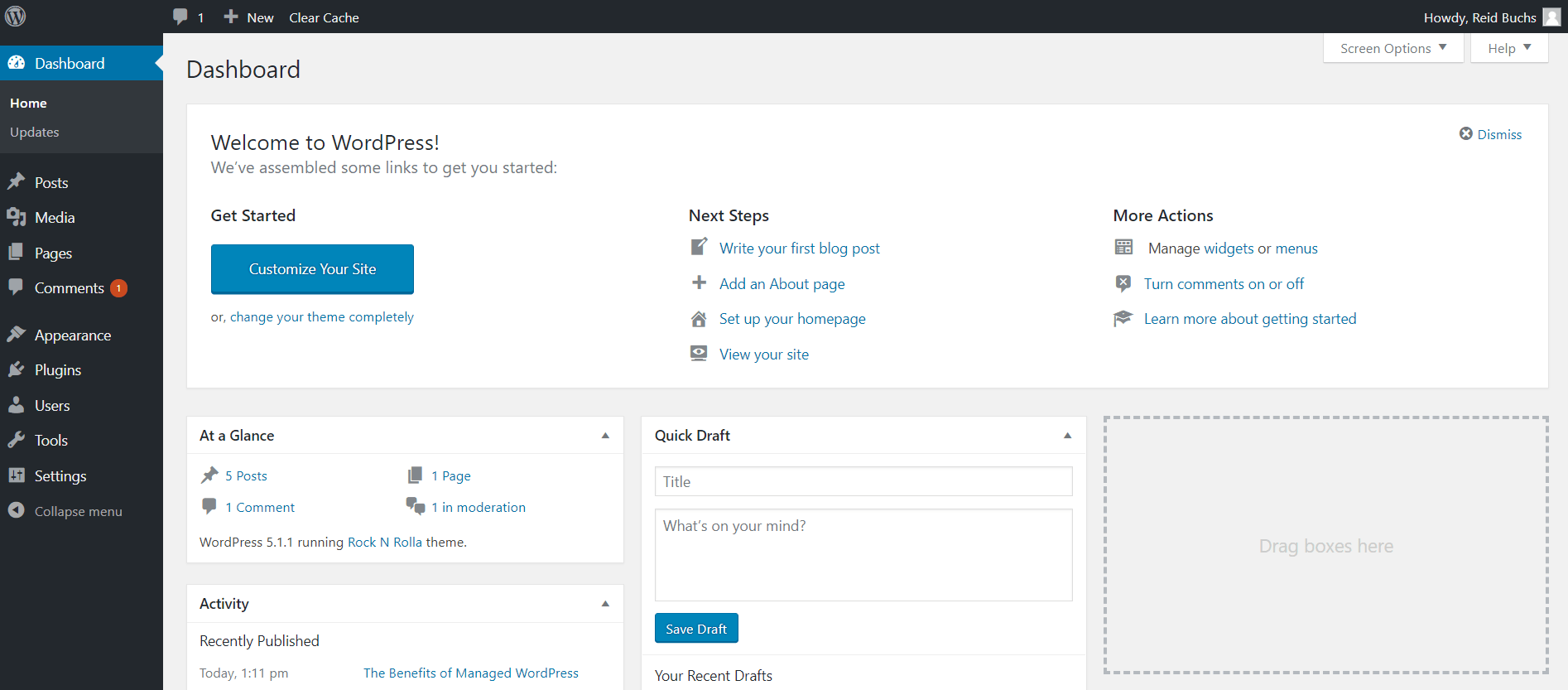
Bluehost offers 30GB of storage space with its basic Build plan. This attribute beats the 10GB offered in EasyWP’s Starter package. However, as we’ve seen, the prices of these two plans are drastically different. If you need more than 10GB of space for your site, you can upgrade to the EasyWP Turbo plan, which comes with 50GB of SSD storage. The regular price for one year of Turbo hosting is only $68.88, still a savings of nearly $300 vs. Bluehost’s entry-level choice.
Bluehost WP Pro Build also comes with nine different plugins pre-installed. These plugins take up space, and could potentially bog down the speed of your site if they do not work well with other plugins you intentionally add. EasyWP lets you choose which plugins you install, with only two added automatically. Akismet Anti-Spam is included to help protect your blog posts. Hello Dolly is added on every WordPress configuration to help new users become acquainted with plugins.
One feature everyone loves about WordPress is Maintenance Mode. This helpful setting lets you offer a message to your customers, even when your site is undergoing significant changes. While you won’t use this feature every day, it does come in handy when more extensive changes are underway. EasyWP automatically includes this indispensable tool at no extra charge, while Bluehost requires a higher-level subscription.

Start for free today*
Simplicity is freedom! Using EasyWP to set up and manage your site lets you get back to the rest of your business.
*30 days of Free trial. Renews automatically until canceled.
Get Hosting for WordPressBest Hosting for WordPress: Reviews and Comparison
See how EasyWP compares to other managed hosting for WordPress options.
What is managed hosting for WordPress?
Learn how you can have a faster-loading WordPress site for less with managed hosting for WordPress.
How to use WordPress
This plain English guide to WordPress shows how easy it can be to create and manage a website.
Need help? We're always here for you.