
We recommend that you activate FreeDNS service for your domain by email or TXT record creation before pointing your domain to our FreeDNS nameservers in order to keep your website and mail up and running.
To proceed with activation, follow these steps: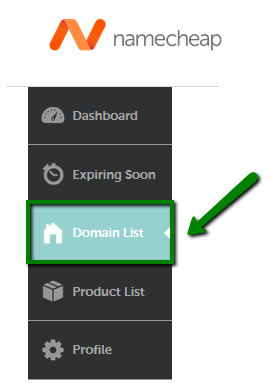
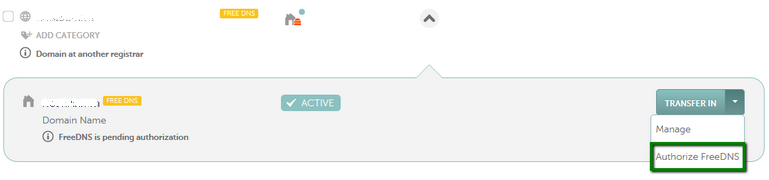

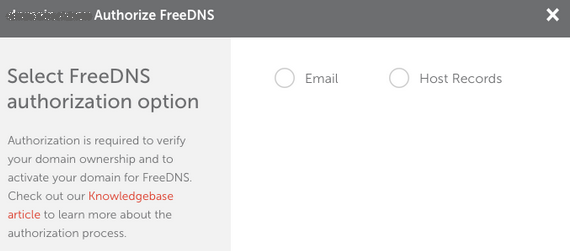
Please keep in mind that TXT record authorization is the default authorization method.
This means that once you enroll your domain/subdomain in FreeDNS, you should authorize FreeDNS by creating a TXT record with the values provided in your account’s Dashboard/Domain List.
You may also select authorization via email in your Namecheap account.
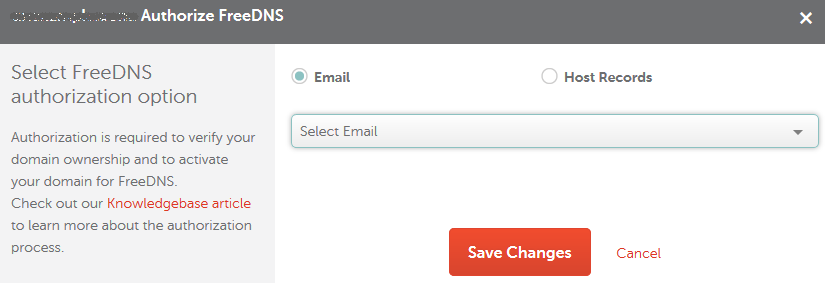
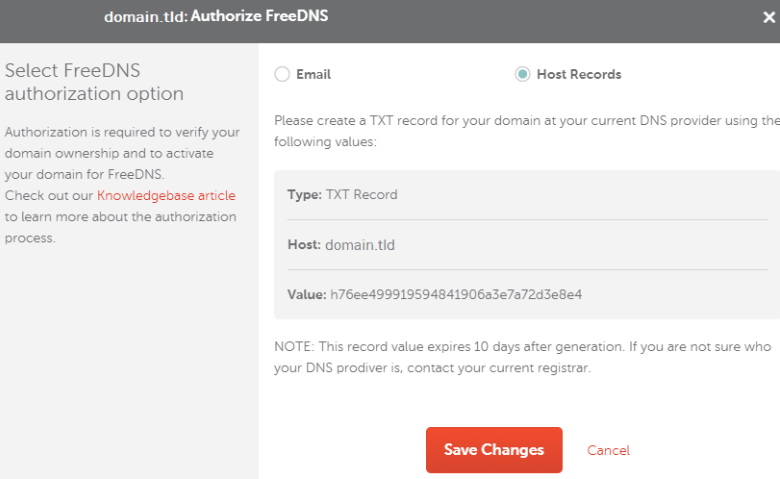
*Please note that the Host value may vary depending on your DNS provider (e.g, it could be just '@').
NOTE: A TXT record expires 10 days after being generated. If your TXT record has expired, you will need to select the authorization method once again and create a new TXT record.
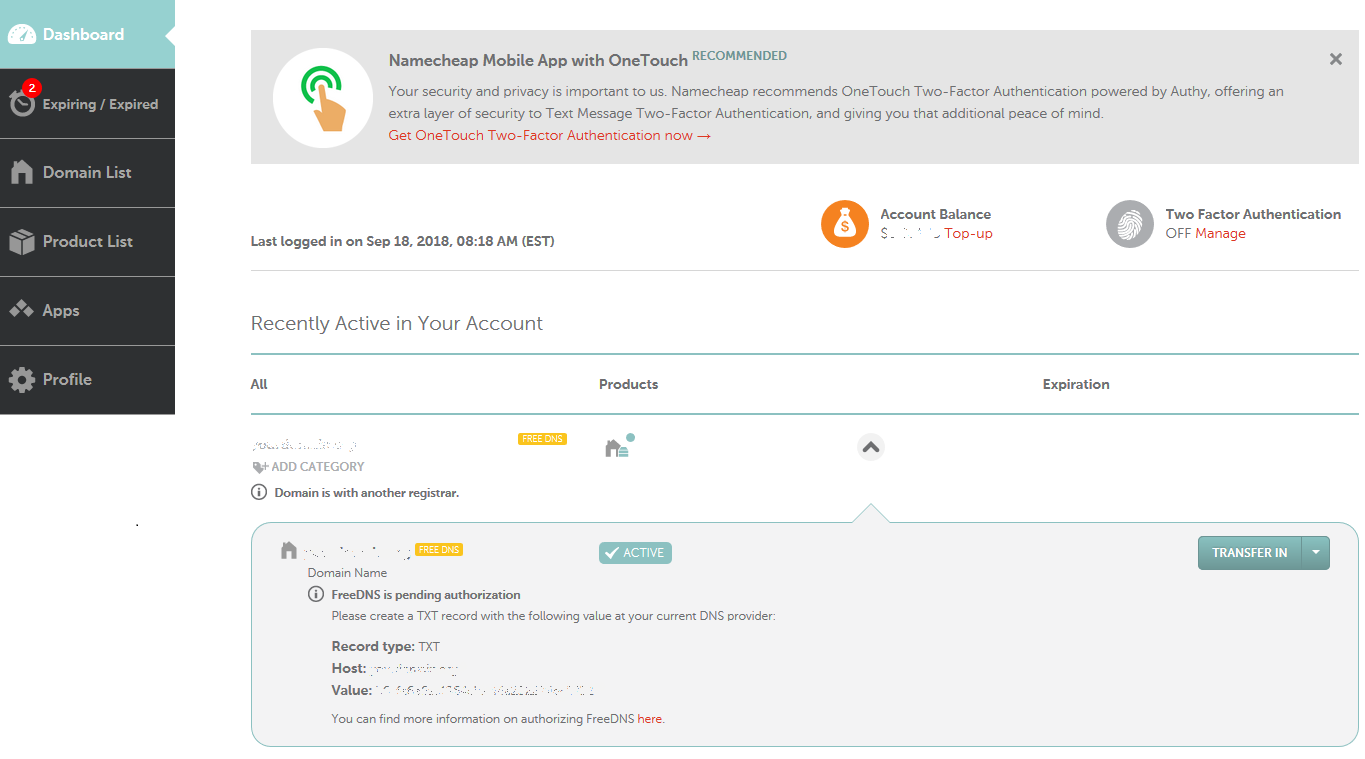
Once the changes are saved, you will be able to locate the TXT record values in your account directly from the Dashboard:
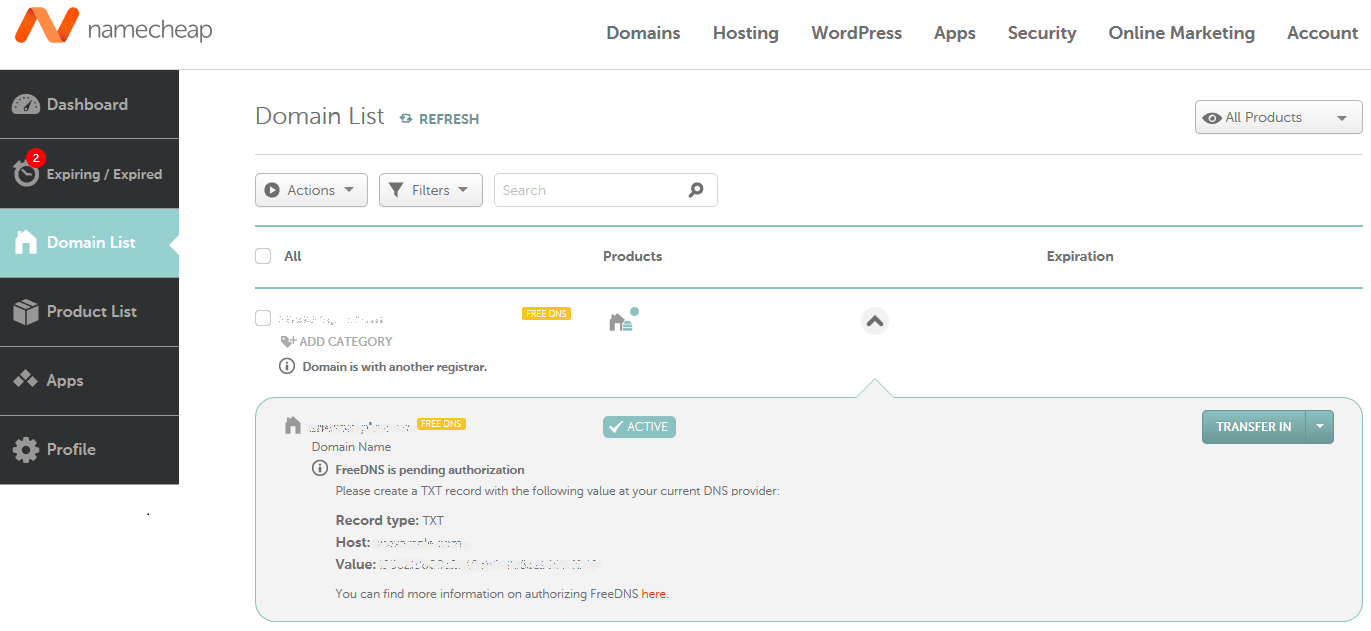
The required TXT record values can be checked in the Domain List as well:
NOTE: If you try selecting another authorization option after having chosen one method that is in progress (e.g., choosing TXT record authorization after having already begun email authorization), you will get the following error message when you click on the link in the email:
Oops! Something went wrong…
Looks like you have selected another authorization method for FreeDNS.
Please complete authorization using the previously selected method or contact our Support Team for assistance.
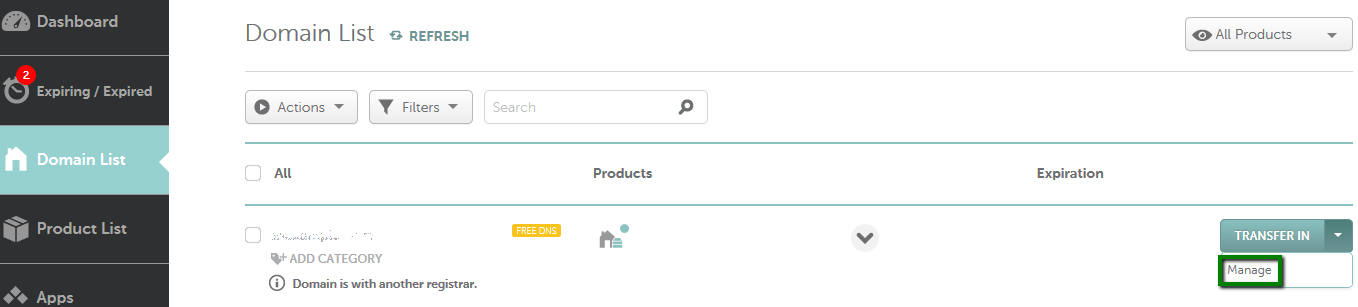
Usually, it takes up to 30 minutes for the authorization TXT record to be verified by our system. Once the FreeDNS service is authorized, you can manage your host records by following these steps:
- Select Domain List from the left sidebar and click the Manage button next to your domain:
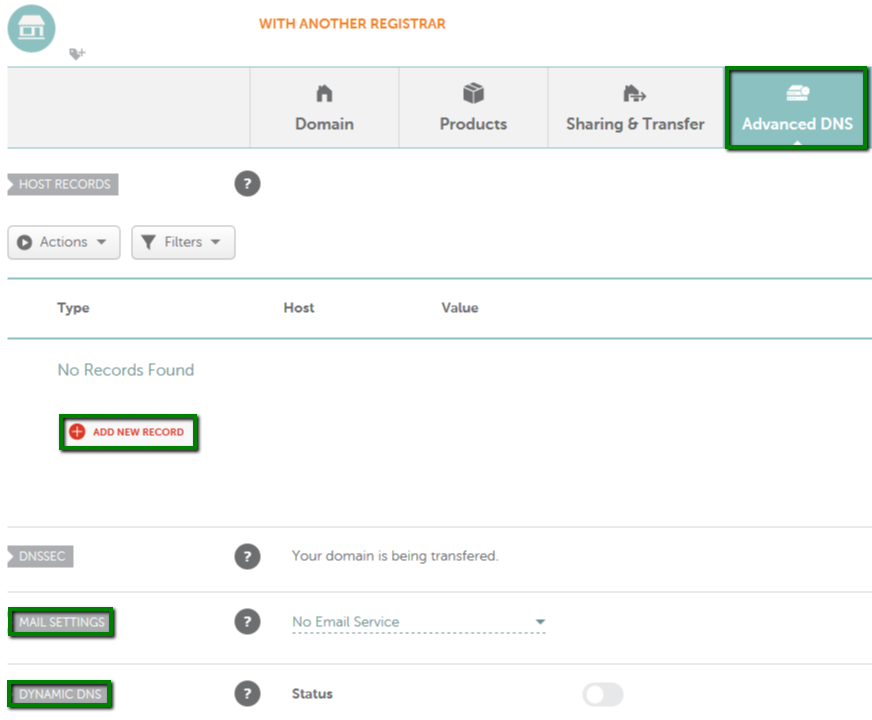
If you have any questions, feel free to contact our Support Team.
Need help? We're always here for you.