Namecheap Private Email app launch
Email is still the backbone of business. But what it means to be a business has changed. Freelancers work from home, the coffee shop, or the train. Small teams split their week between the office and the kitchen table. Bigger companies might have an office, but half the team might not be in it.
Business doesn’t stop when you leave your desk. It happens on the train, after hours and, most of the time, between your two thumbs. So that’s where your inbox needs to be too.
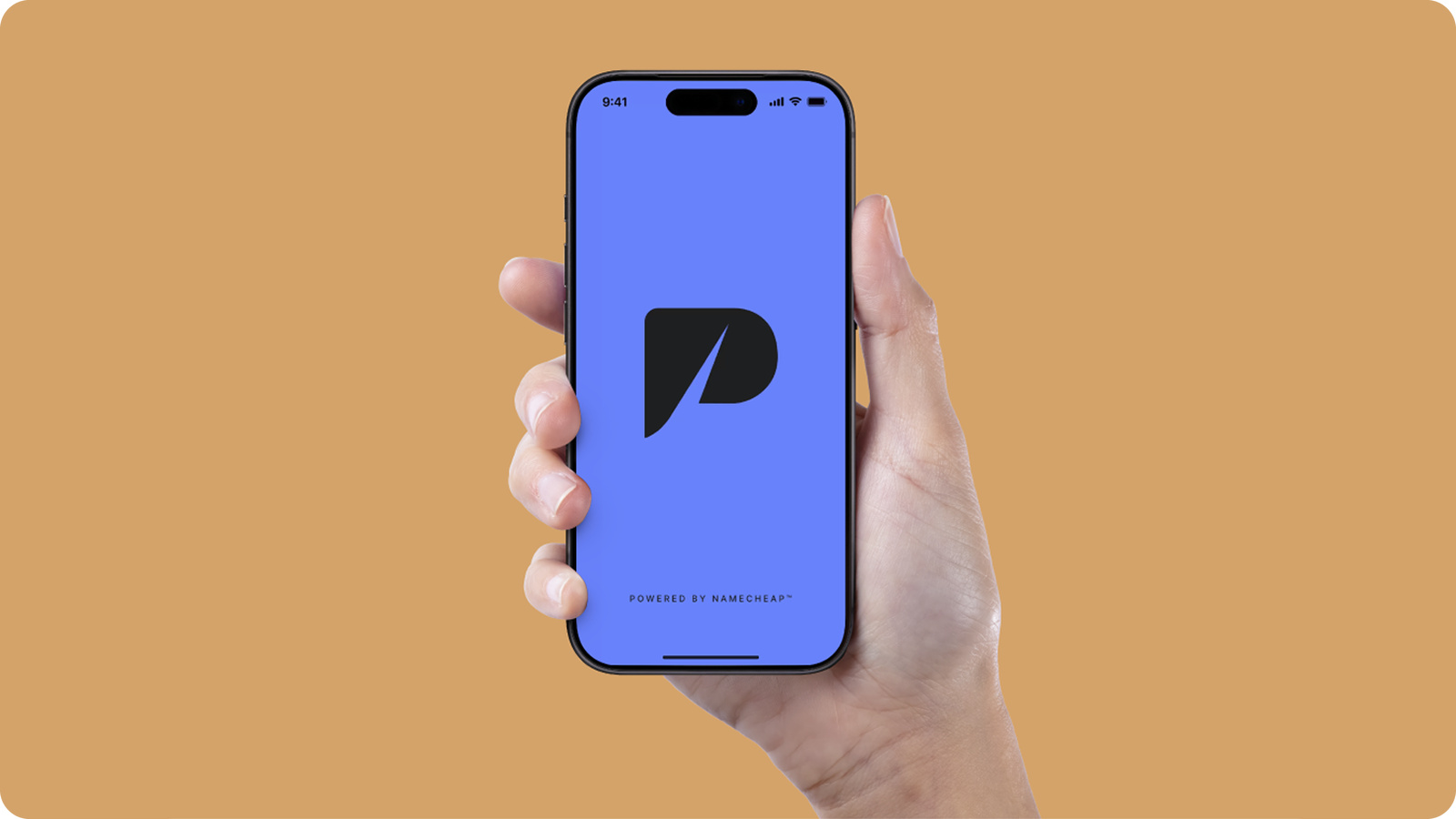
Now it is. The Private Email app has landed on iOS and Android, and it’s free with every Private Email plan. The same smart email you rely on, built for a world that works without borders or time constraints.
Why we built a mobile app for Private Email
Let’s say a client emails at 7 pm. You’re on your way home, your laptop’s in your bag, and the reply can’t really wait. So, you reach for your phone. Until now, that meant adding Private Email to a third-party mail app.
Now with the new app, you download it, sign in with your Private Email details, and your inbox is there. It also means that every Private Email feature we decide to build lands straight in your pocket the moment it drops.
And the app will get better and better. We’re constantly releasing new features, which you can always view on the Private Email updates page. Plus, check what cool features are coming next on our Private Email roadmap.
What you can do in the app
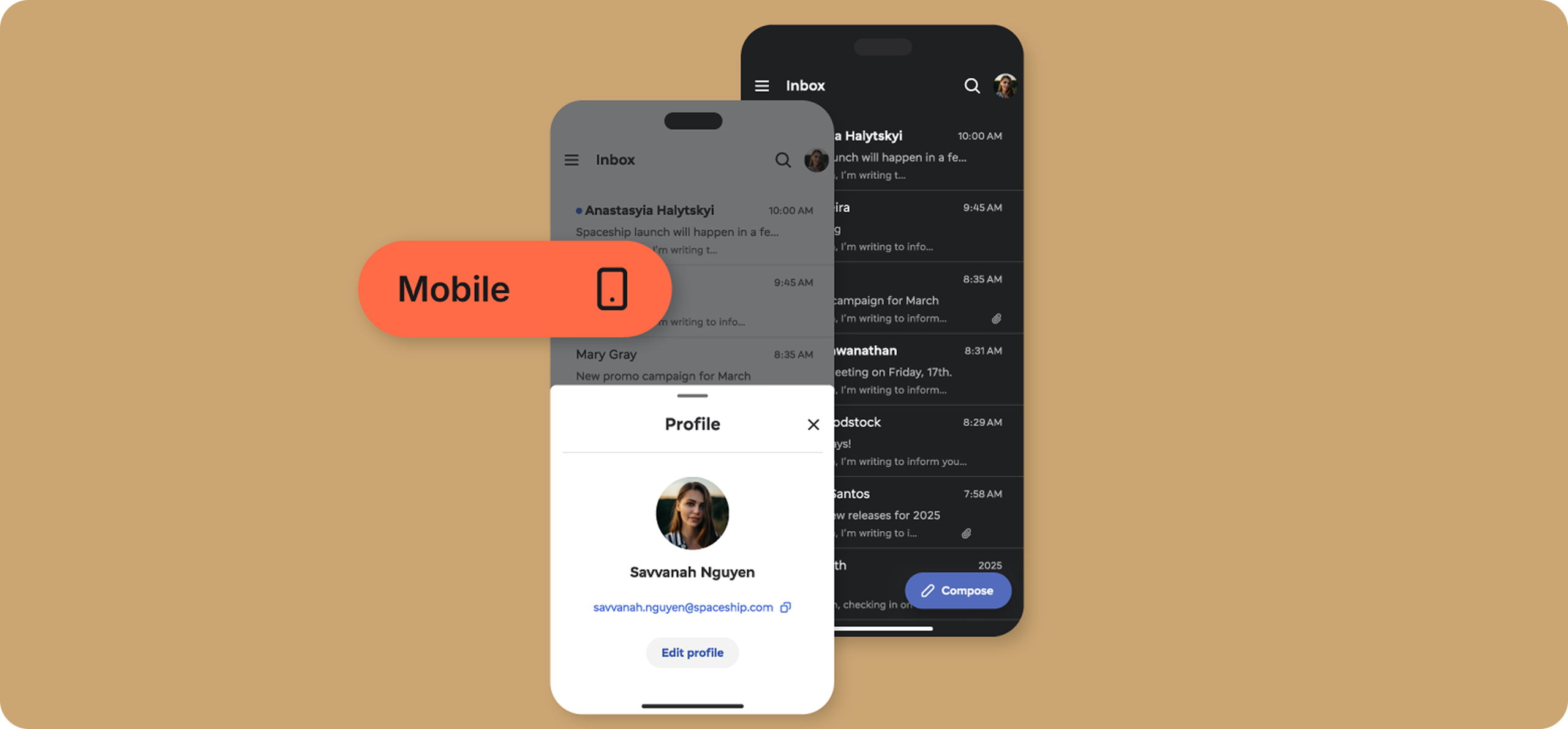
The answer? Everything you need to set up your inbox the way you like, reply and manage emails at speed, and tailor your security settings so they work for you.
- Clear your inbox in seconds – Select and manage several messages at once, or use quick swipe actions to organize your inbox with a flick.
- Find anything easily – Search your inbox for the email you need without scrolling through everything.
- Offline mode & alerts – Get notified when new email arrives, and keep managing messages even when you lose signal. Heading out? Set up an auto-reply so people know when to expect an answer.
- AI assistant – Let the AI assistant create a pro first draft, then personalize to perfection. Don’t worry, everything you write stays private, and you can manage data sharing via settings.
- Custom setup – Switch between dark and light mode, choose a profile picture or email signature, and change your display name and favorite language.
- Privacy and encryption — Block tracker links, guard data with encryption, and secure logins with 2FA.
- Cross-device sync — Start a draft on your phone, finish it at your desk, and keep webmail updated automatically.
How to set up the Private Email app
Setup takes just a few minutes.
- Get the app
Search for Namecheap Private Email on the App Store or Google Play and install it on your phone. - Log in with your Private Email details
Use the same email address and password you use for webmail. Don’t have Private Email yet? Choose a plan first, then come back to the app. - Start exploring!
You’re all set. It’s time to explore the app, send your first email, and personalize your inbox.
Time to take email with you
The Private Email app puts your business email in your pocket and keeps it moving wherever you happen to be. Fast replies, built-in privacy, and a perfect sync with webmail, all included in your plan. So, download it from the App Store or Google Play, and give your inbox a change of scenery.
Frequently asked questions
Is there a Namecheap Private Email app for iPhone and Android?
Yes. The Private Email app is available on iOS and Android. You can read, send, and organize your email from your phone, and anything you do in the app shows up on webmail too. To get started, download the app and sign in with your Private Email address and password.
Where can I download the Namecheap Private Email app?
You can download the Namecheap Private Email app on Android or iOS. Search for Private Email, install the app, then sign in with your Private Email details.
Is the Namecheap Private Email app free to use?
Yes. The Namecheap email app is included with every Private Email plan at no extra cost. There’s nothing extra to buy or upgrade.
Do I need an active Private Email subscription to use the app?
Yes. You need an active Private Email plan to sign in to the app. If you don’t have one yet, choose a plan first, then download the app and log in.
Does the app support push notifications?
Yes. You can turn on notifications via PE app settings to find out when new email arrives, so you don’t have to keep opening the app to check.
What happens to my existing mobile mail setup (Apple Mail or the Gmail app) once the app is available? Do I have to switch?
No, you don’t have to switch. If you already use Private Email in another mail app, you can keep using it. The Namecheap mail app is simply another way to reach your inbox, built specifically for Private Email.